Molten Alliance Mining Pick Error
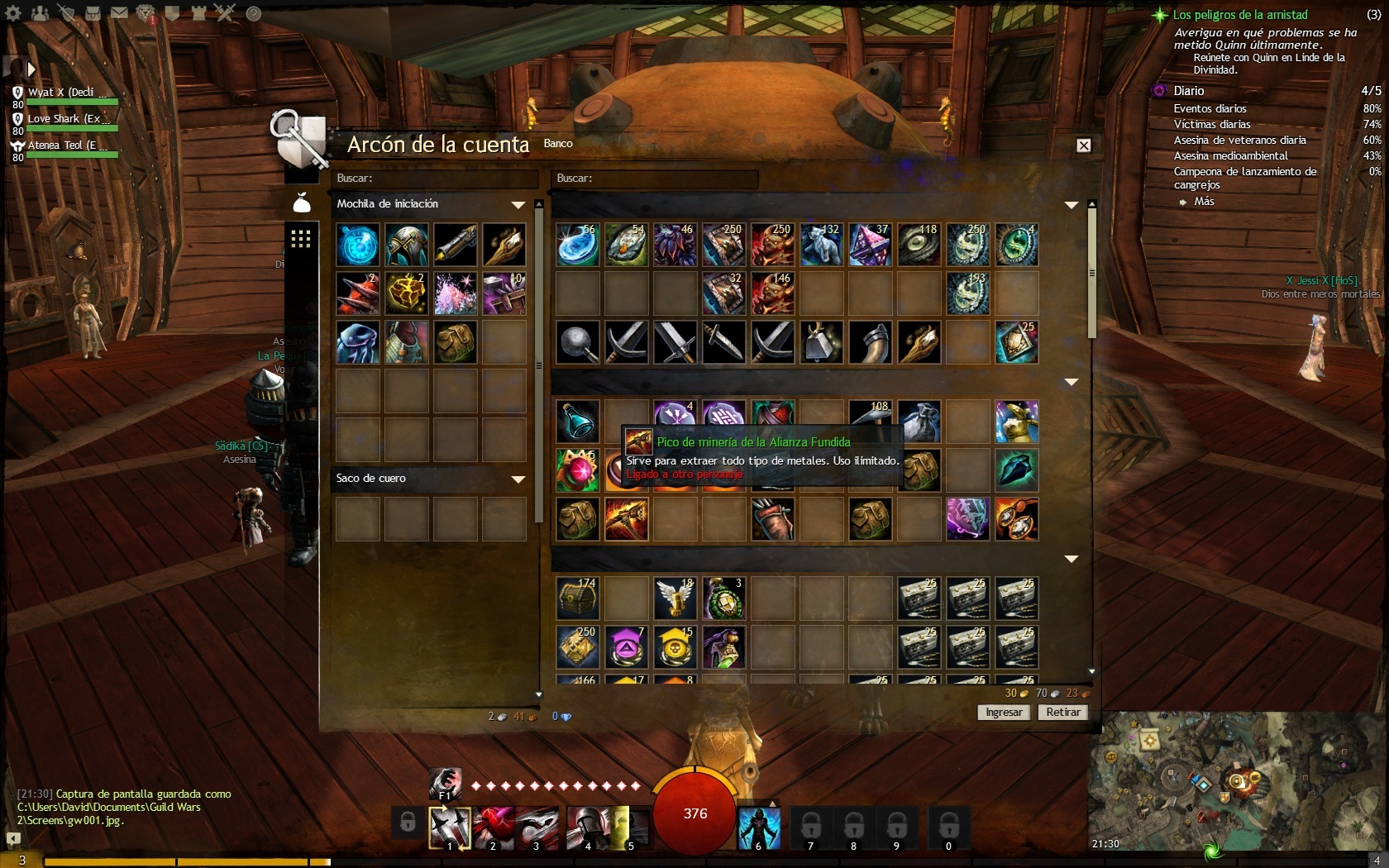
Sadly, soulbound items like the pick cannot be transferred to other characters. When purchasing such items, remember to choose a character you wish to keep around for some time before binding them to that character. Sorry for your loss.
From the wiki: Soulbound is used to designate an item which cannot be placed on the Trading Post, mailed, or placed in the inventory of another character. They can be placed in your account vault. Soulbound items can be salvaged, or sold to NPCs if they have a value.
(edited by Inculpatus cedo.9234)
How I can use it with my new thief?
You can’t
Before equipping it, it says clearly:
Account bound
Souldbound on equip
(this was also visable before you bought it in the gemstore)
After equipping it, it says clearly:
Soulbound
You even get a very clear warning when equipping to ask you if you are sure cause it will be soulbound to you.
So basicly you made a human error. Arenanet is not responsible and they don’t have to replace it for you.
You can however file a support ticket and explain that you made a stupid mistake. Depending on your history they MIGHT be kind to you and replace it.
Keep in mind that they might not be able to do so (they dont have the power to create things on the live servers) and they can only refund you the gems (wich is again on to their mercy to do so, cause it is in the end your mistake).
You can contact support at https://en.support.guildwars2.com/ (ask a question)
Good luck!!
Arise, ye farmers of all nations
Arise, opressed of Tyria!
Arise, opressed of Tyria!