(edited by iShirow.6087)
Error: Unable to initialize 3d output...
The full error reads:
Unable to initialize 3D output. Please verify that you have installed Directx9 and an updated video driver
I encounter this error if I enable 3D stereo surround on the game and try to restart it. It seems that by disabling Nvidia 3D Vision on the control panel will fix this, however, I can’t enable 3D surround on the game then.
For reference I am using a GTX670 with the latest drivers (306.02) and using the 3D TV Play display option for 3D Vision though an hdmi cable.
I hope you guys fix this sooner rather than later as the last stress test before the game went live had fixed this same problem from a previous build/ stress test.
i dont have the same issue but im running a GTX 670 AND HAVE MY PC CONNECTED TO MY SAMSUNG 3d TV AND THE OPTION IS GRAYED out and wont let me enable it says i need to run in full screen but i thought i was in full screen ?
Attachments:
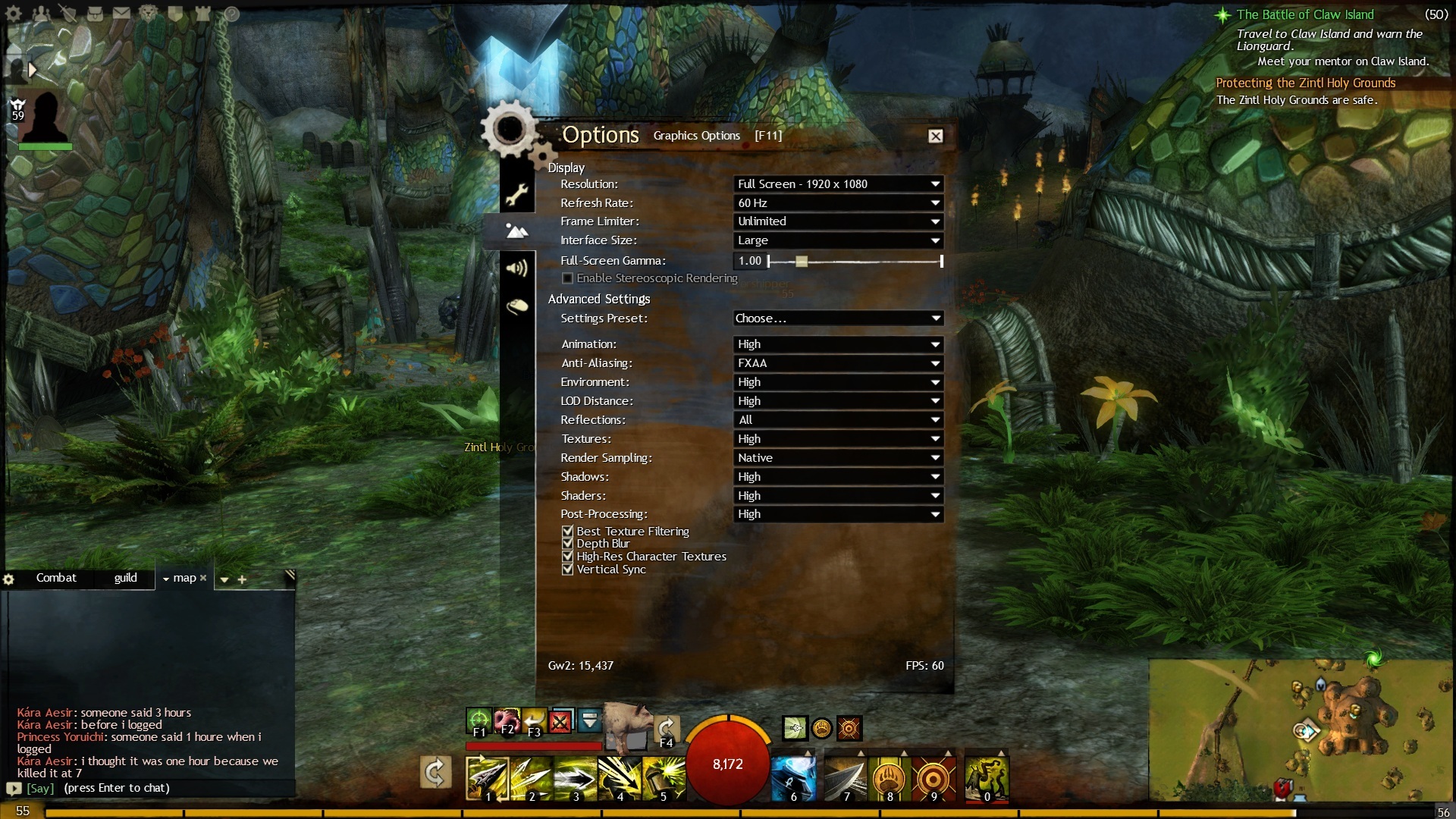
I have this same issue “Unable to initialize 3D output.
Please verify that you have installed Directx9 and an updated video driver”
I have a gtx670 as well and are using 306.02-desktop-win8-win7-winvista-64bit-english-certified driver.
However I have found a workaround to get guildwars working in stereo 3d.
For this first open the 3D Vision Photo Viewer .
Now open a 3d photo that was included with the drivers in default dir
(mine was C:\Users\Public\Pictures\NVIDIA Corporation\3D Vision Experience\3D Vision preview pack 1)
* any stereo 3d pic will do doesnt have to be nvidia supplied*
open view tab > select stereo windowed
your screen should now be in 3d mode/refresh rate and the image displaying correctly in 3d.
Now dont close the image and open gw2 as you normally would.
Gw2 will now run in stereo3d .
this method works with my gtx670 and ASUSVG278H 3dvision2.
It appears that gw2 is having some trouble initializing/starting up the 3dvision with gtx670 .
By having the screen already in 3dmode it doesnt seem to have any issues.
@humanevil.8461
check you have 3D enabled in nvidia control panel 1st
is your samsung tv nividia certified 3dvision compatible? if not the stereo3d option wont work ingame.
However your samsung tv may have an 3d button on the remote for 3d step up ,
use that instead if its not 3dvision compatible.
I was able to resolve this issue by installing EVGA’s Precision X software. I have no idea why this fixes it, but it does.
However I have found a workaround to get guildwars working in stereo 3d.
For this first open the 3D Vision Photo Viewer .
Thanks, opening the photo viewer really did fix the 3D launcher error for some odd reason. Hopefully Anet gets to work on it soon since this isn’t the best ideal way to play but it works regardless.
I think guildwars isnt initiating the 3d vision engine correctly when swapping to the appropriate refresh rates , possibly a driver issue but im using a certified 306.02.
either way having the screen in 3d mode before guildwars launches works.
glad I could help.
Thanks for this topic. I’ve reported this bug during beta weekend 3 and finally I can play in 3D Vision mode.
Gameplay Programmer
The issue brought up in the OP will be addressed in the next patch. Also make sure you are running in 120hz and with a 3D compatible display .
.
-Bill