Aurora Glade
Showing Posts For Azrexx.5469:
On reset, when we have got strong crew, we crushed you, face it like a man. This vid is just a small part of our farm on you from that evening.
Face it like a man, hah.
Who used arrowcarts again? Right, learn to fight like a man first.
Aurora Glade
And about RoF players behaving badly, mostly those are PvE players that come to WvW only because we are winning. You can see it on every server,not only RoF. Regular WvW RoFers just took a break for a week. Or are dueling at Vabbis.
So you say regular or better WvW’ers from RoF aren’t playing this week, or are duelling with FoW’ers or Vabbis? How would you explain that we have that much map control? Because PvE’ers came to help in the fights. Don’t just say that people who play more PvE then WvW have a bad behaviour in WvW, I’ve seen good WvW’ers act childish too.
Aurora Glade
Any other suggestions before I uninstall my drivers?
Aurora Glade
Go into your Catalyst Control Center settings and make sure that the Mipmap detail is set to the highest quality and that there are no game-specific profiles overriding that setting. When people report blurry low rez texture problems with certain games that setting is often the culprit.
Whilst you’re in the CCC also check that any other graphics quality settings are set to prefer maximum quality instead of max performance.
If all the settings are on max quality and the problem still persists, I would recommend uninstalling your drivers completely and then running a driver cleaning tool (like driver sweeper / fusion) before reinstalling them.
Needless to say if it works for a brief period after you upgrade / reinstall the drivers, but not after a computer reboot, something’s not working right. It’s just a matter of figuring out what’s causing it.
I checked on the things you said and I think they are as they should be.
I’ll try uninstalling my drivers, I’ll see what happens then.
Aurora Glade
Azrexx,
The game saves the settings in C:\Users\<username>\Documents\Guild Wars 2
Start by deleting the file “local.dat” When you start your game and login (at character selection screen) Goto the video tab and where it gives you a “Settings Preset” or something close to that, choose “best appearance”.
What I’m guessing, the option may have last been set as “Auto Detect” and some reason is setting the graphics to low.
Your “ugly” graphics is not from the card or drivers displaying properly, but the game being set to “low”.
I tried the things you said but it didn’t work ):
Aurora Glade
As the person above me says:
suspended for 72 hours.
You’ll just have to wait.
Aurora Glade
Maybe the folder where GW2 saves the settings is read only?
Why do you mean with this?
Btw hows ur settings ingame?
I set them as low as possible but that didn’t really help.
Aurora Glade
This is how it looks right after I updated my drivers, which looks normal I guess.
Attachments:

Aurora Glade
I don’t know if anyone remembers me but I’ve already posted I this forum section about my graphics before. As you will see in the picture, there is something wrong with the graphics. I have ATI Radeon 5700 series, version 13.4. A lot of people told me to update my drivers, which I did. The weird thing is, I have beautiful graphics after I updated my drivers, but when I shut down my PC, and I play again the next day, they are just like before. Ugly.
Does anyone know what to do about this?
(The driver program says my drivers are up to date atm.)
Attachments:
Aurora Glade
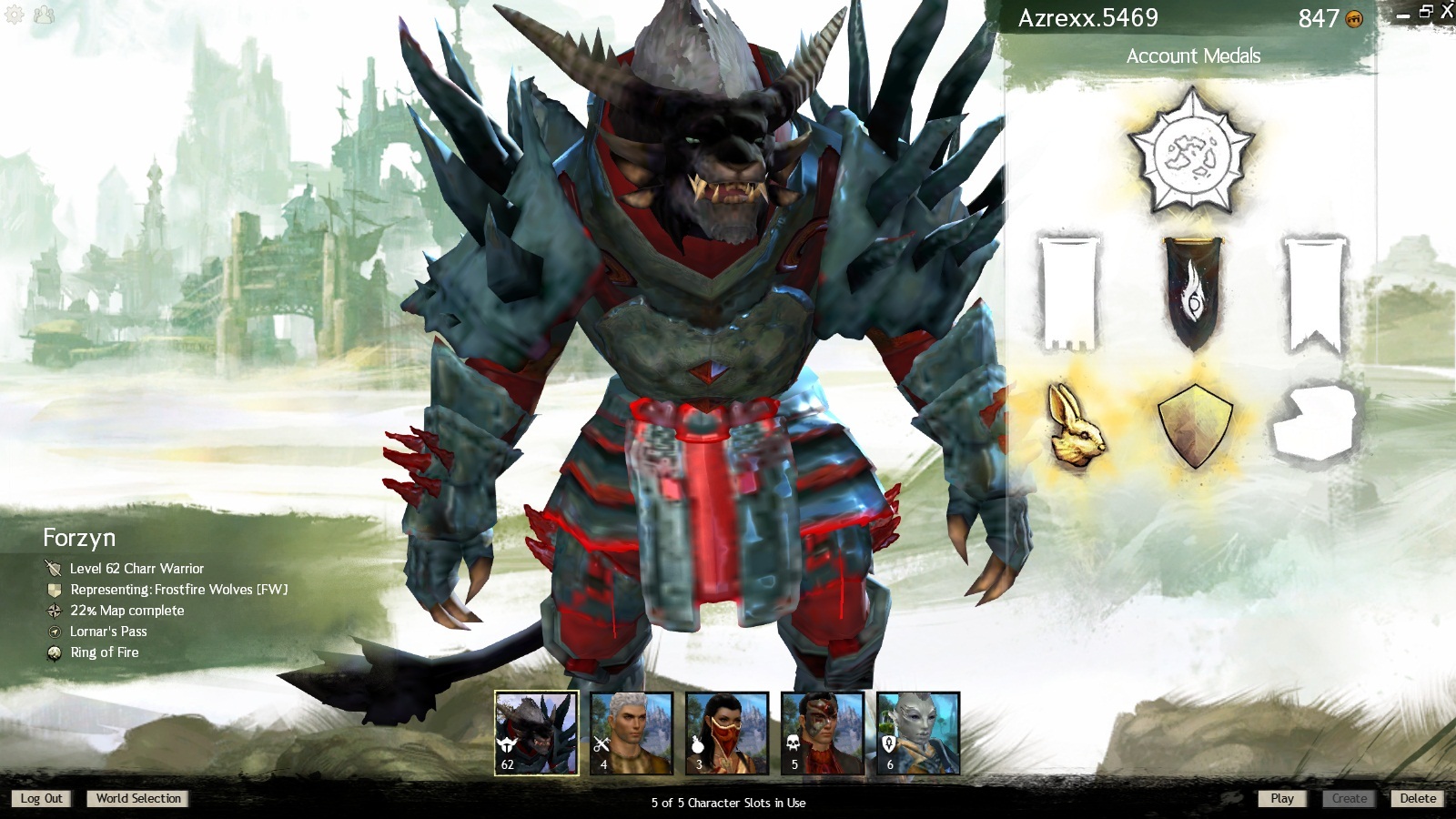
Here is my main warri! ^^
Looks awesome (:
What armor does he wear?
Aurora Glade
If you encounter a thief try to swap to a hammer, just keep moving around in the most random directions and keep swinging your hammer around so you can land some hits.
You also have some cc and you can knock them back with your hammer to create some distance.
-> I saw someone else suggesting this in an other topic so it might help you.
Aurora Glade
Did someone say Norn Jesus?
Hahahahaha that’s just genious :D
Aurora Glade
I just installed the beta package and it works now!
Thx everybody for responding to this thread (:
Aurora Glade
I would clean uninstall your graphics drivers and reinstall either the latest stable (12.10) or latest beta (12.11 B11) package.
I would also suggest making sure nothing else is using video memory or graphics resources (another game running at the same time as GW2, video, flash content, etc.). Especially the flash content part. A YouTube video in the background in most cases will toggle PowerPlay, and cut the max usable clock speed for core and memory by a good bit. Not sure if this would really affect textures though.
I’m using 12.10 atm but I will try to install the latest beta package.
I will let you know if it worked. I usually don’t play with other games/videos in the background open so I don’t think it’s because of that
Aurora Glade
Have u got Shaders and LOD up high ?
Yea I do, but I’ve put everything on low but that still doesn’t help.
Aurora Glade
If you included your video card and monitor rez that would help.
ATI Radeon HD 5700 series (powered by AMD)
Aurora Glade
I have been playing Guild Wars 2 all the time like that.
I have no idea what to do. I updated my drivers (or I think I did) and it still didn’t change.
Anyone has the same problem/knows how to fix this?
Attachments:

Aurora Glade
And what should I do about it?
Aurora Glade
Graphic settings
Attachments:

Aurora Glade
Ok, I don’t know if this is the right place to put a topic about graphics but anyway.
The game is running fine and the gameplay is amazing but there is something weird happening with my graphics, they look… unfinished. I play warrior and his armor looks like leather. Anyone knows what I could do about it?
Attachments:

Aurora Glade
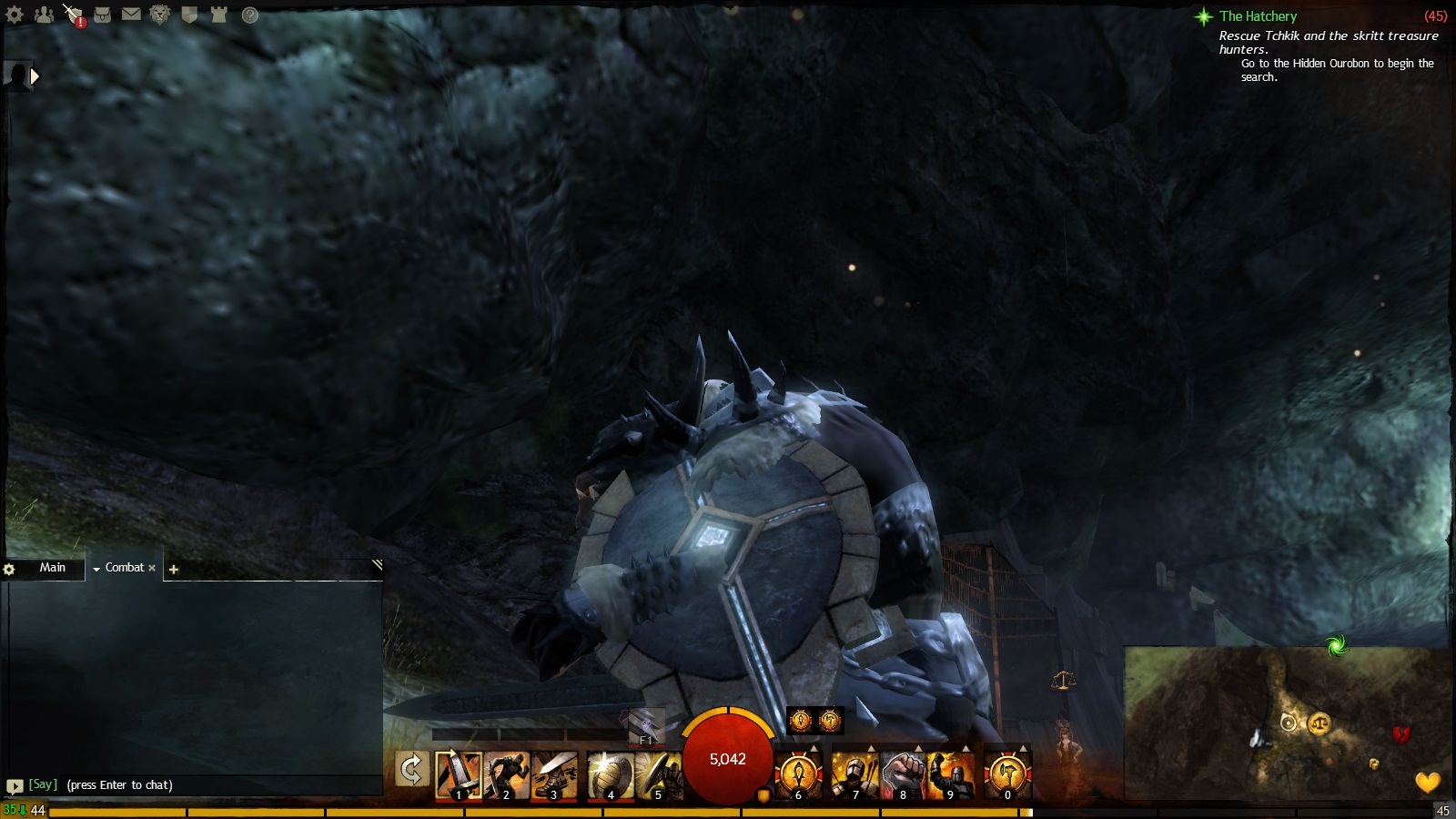
What kind of sorcery is this!? The arm going through shield for people who didn’t notice. It’s a Ravaging Glyphic Ward of Smoldering. I’m a male Charr and my armor is Gladiator armor. I bought the shield.
Attachments:
Aurora Glade
(edited by Azrexx.5469)
This is a very good build, I have been using it quite some time.
Aurora Glade
I deleted 2 files before I played, an empty one and one when I activated that had something to do with Nero, I’m not sure what it was. Afterwards, I put them back but that didn’t help . It’s downloading reaaaaaly slow now :s
Aurora Glade
Hey
I’m having quite an annoying problem. This morning I logged in on Guild Wars and everything was fine, after some time i logged out again. 2 hours later I clicked the icon and started to download again from the beginning, which takes quite some time on my PC. Anyone knows how this happened?
Aurora Glade
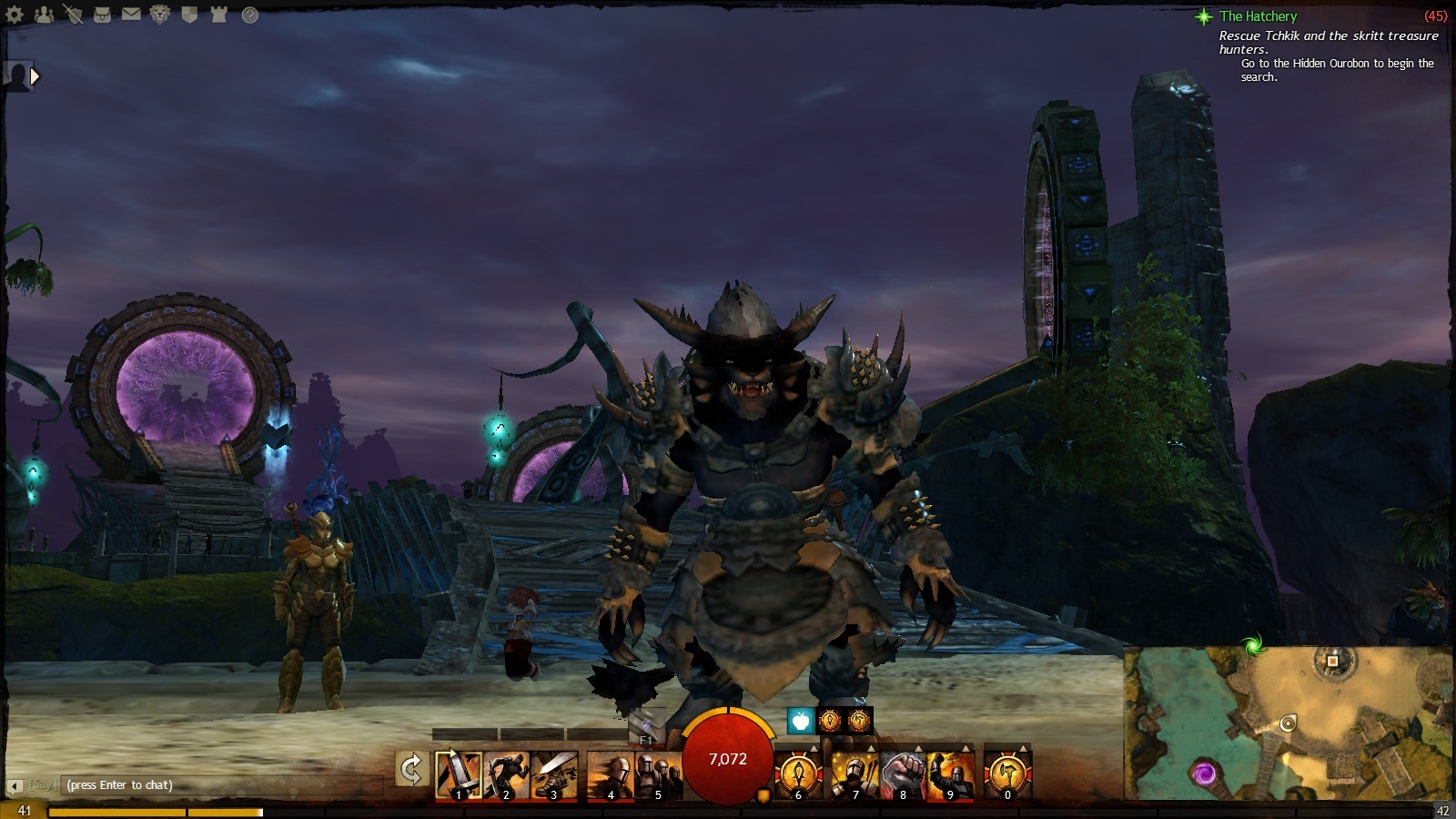
Lvl 43 Charr – Forzyn
Attachments:
Aurora Glade