Showing Posts For BlankSlateBlues.5073:
Sorry. Is this better?
Attachments:

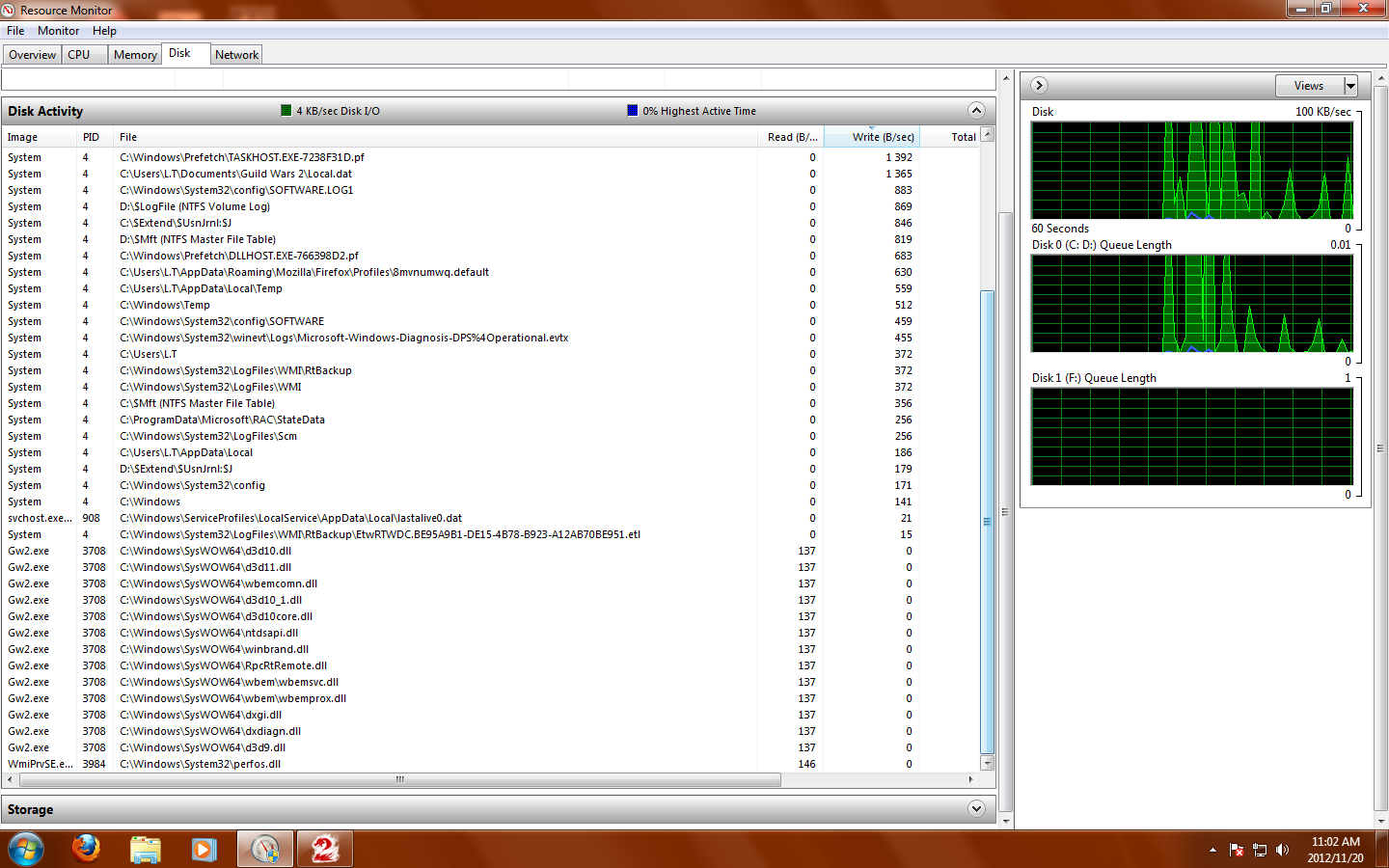
Like this, right?
It seems work for a while before the write column just reads 0 B/sec.
Attachments:

zERO.5904: Sorry, didn’t seem to work.
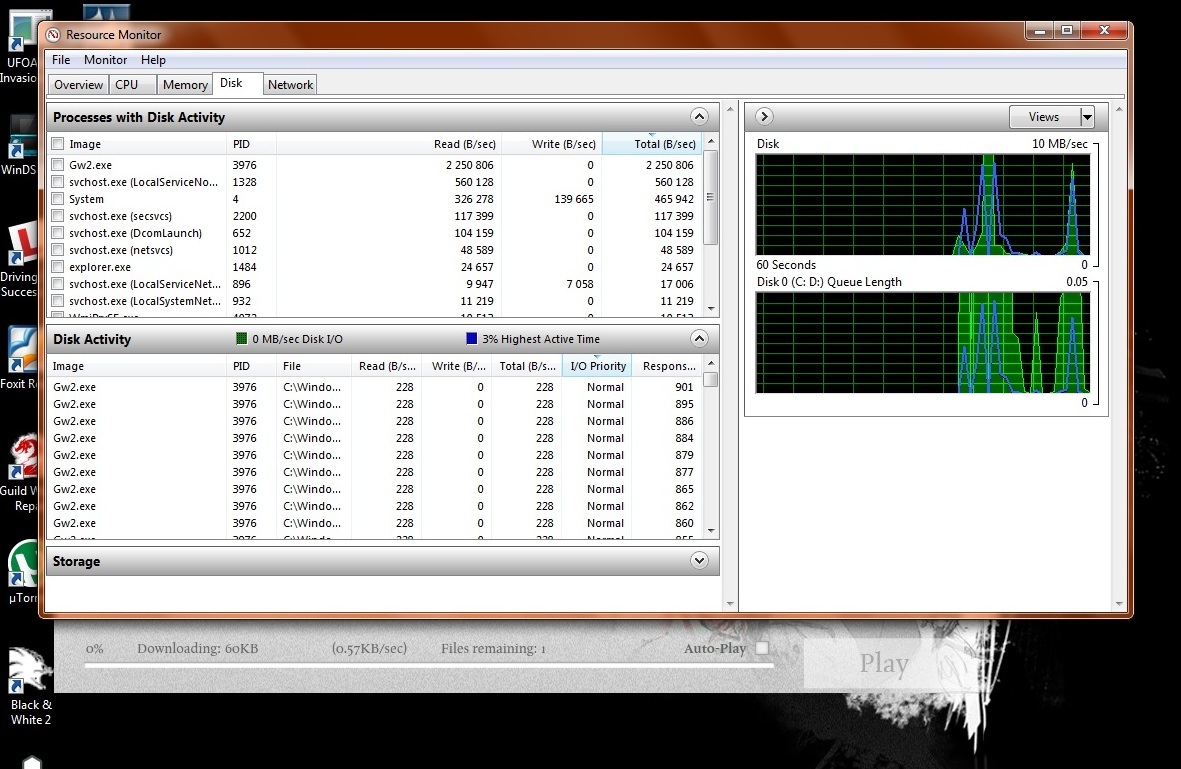
Squall Leonhart.2075: Uh, I’m not too sure what I’m looking for but I took a couple screenshots of the disk usage tab.
Once it froze it still seemed to be running but after a while it disappeared from the ‘Processes of Activity window’ before reappearing and disappearing again.
Attachments:

(edited by Moderator)
I’m still having the same problem.
958/8188
I don’t suppose that’s good, is it?
(edited by BlankSlateBlues.5073)
I actually had to clear out memory to have it installed, so I don’t think that could be it.
There’s 11.6 gb free. Is that not enough?
I have a problem installing guild wars 2 on my PC. When the game tries to update, the client freezes on the last file. I’ve tried repairing the client but that hasn’t worked.
I already have the game installed on my laptop, but it should be able to run on different computers, so I don’t know what the problem is. Anyone know what’s up?