Showing Posts For Blitz.1270:

Well as it turned out my friends got the same thing , so the game runs just fine I just remembered it differently from when it was released. I haven’t played in about 6 months and forgot all about it. But never mind that , it was my mistake and now its all “fix”. Thanks for trying to help , appreciate that a lot.
Yeah everything is set for my computer , my monitor is “Square” and 1280 × 1024 is my resolution. Just now tried to change it to other and then back to my , but that changed nothing.
Well as the title says , the text and some charracters in cinematics are blurry . You can see it down below . My computer is pretty strong and I remember before , when the game was released I didn’t had that problem,but now I do and its ruining the game experience for me. I think I clicked in options menu somewhere where I shouldn’t have. If any one can help it would be appreciated a lot.
Attachments:

Thank you so much.
What is the name of the armor , that is shown when you try to make female norn guardian ? If any one could help please do , it looks amazing and I want to know its name.
The armor in the attachment.
Attachments:

So as the title says the game went blrry since last patch. I didn’t made a post then because I thought it was from me so I reinstalled my win7 , updated everything and still its blurry. I really don’t know what to do as I need to wear glasses so I can look at the screen for a while, its really straining my eyes. The problem is that everything went blurry no matter how far or near something is , its blurry. I changed every option, even “Depth Blur” changed nothing. This is my first problem with the game , at all. I really hope that some one can help me as I want to play the game but I cant for more than 15 mins.
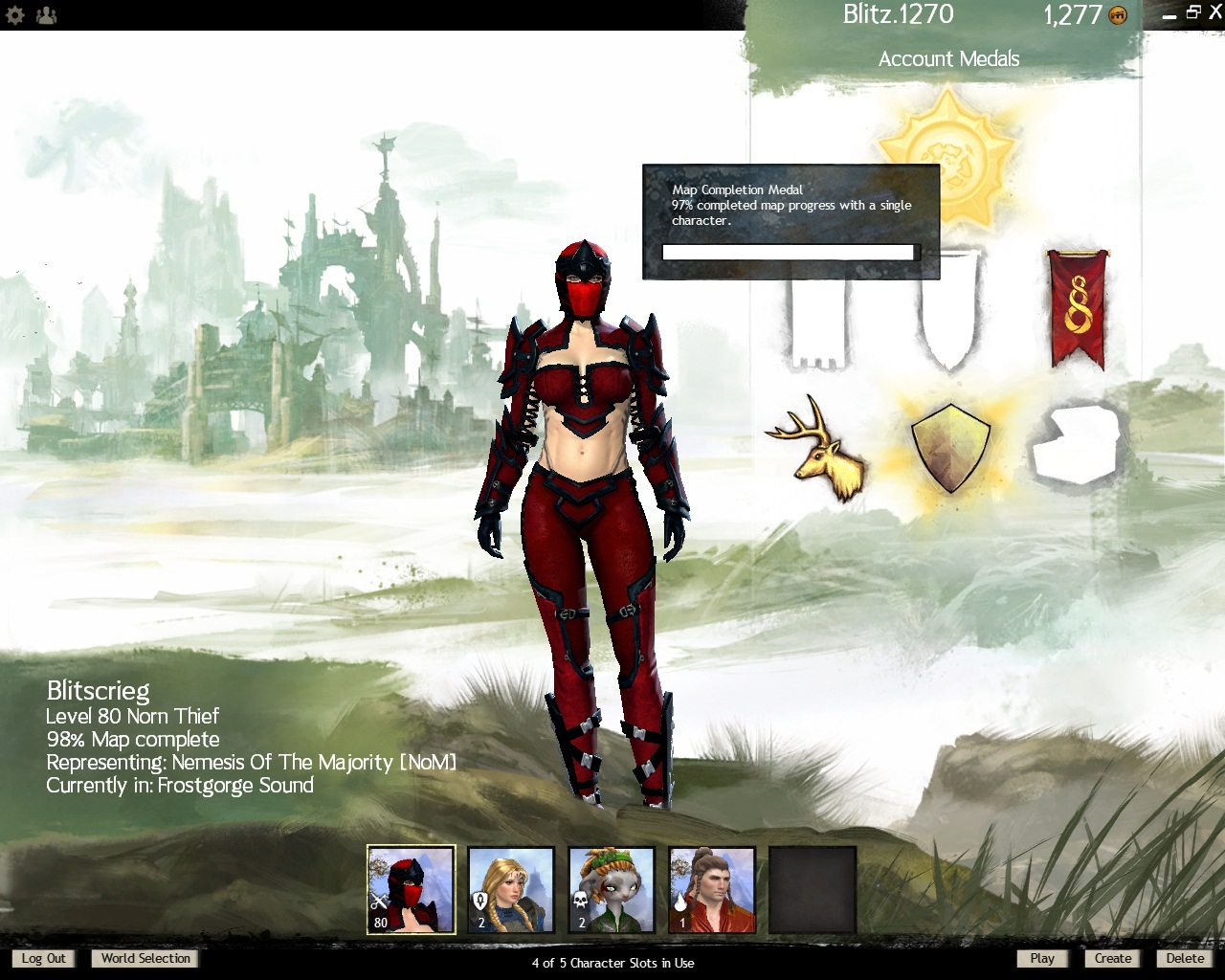
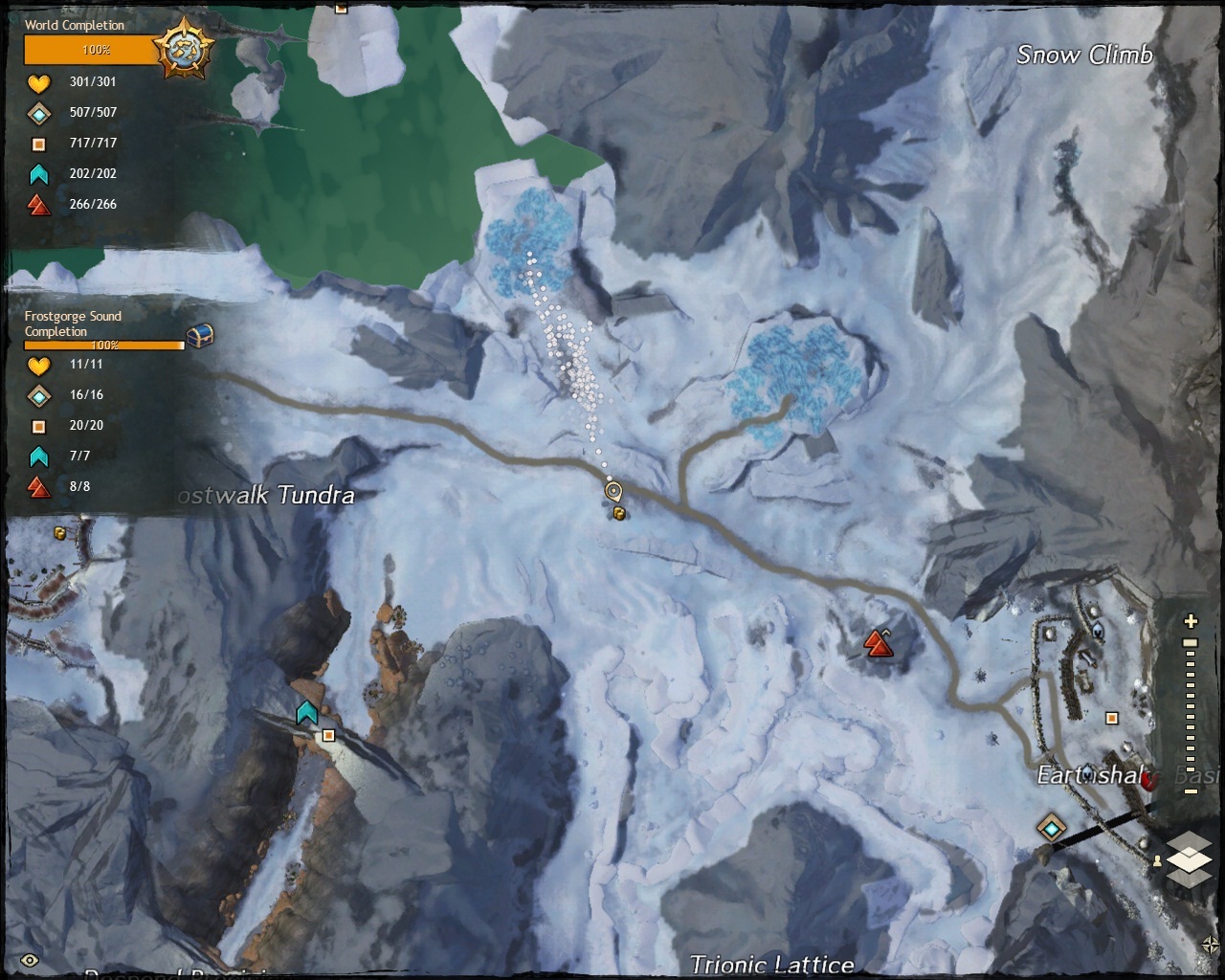
I understand this is/was a common bug but now days I see a lot of people with stars next to their lvl and when I asked what they represented they said it was for 100% map exploration. So my guess is that the bug is fixed but I still have it, in map it says 100% but in character screen it says 98% and when I point over the map in character screen it says 97%.