Showing Posts For Haav.8247:
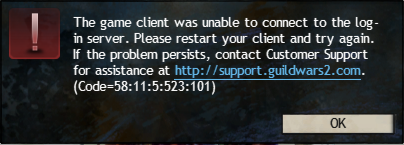
Seems it still doesn’t work. I was able to start the game when the download was done and get to the character selection, but when I then pressed the “play” button I got this message: “The game client was unable to connect to the log-in server. Please restart your client and try again. If the problem persists, contact Customer support for assistance at http…….. (Code=58:11:5:523:101)”
Have found this code in another post in the tech support forum, but no solution. It’s looks like it’s most definately a network problem.
Attachments:
Got it sorted somehow. Guess it had something to do with the new patch coming. The game magically started downloading about two hours ago after not being able to launch since i checked yesterday. Haven’t checked the windows partition yet since it’s not done downloading.
About the applications support folder: I don’t know exactly why, but there is no such guildwars2 folder atm. I think I can recall doing what you’re saying some months ago after a OS update, but it’s been perfectly fine for a while now.
(edited by Haav.8247)
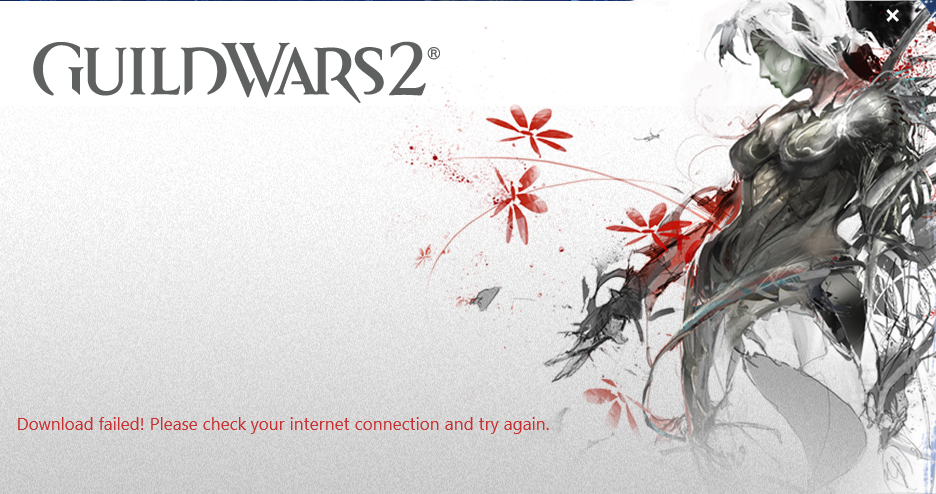
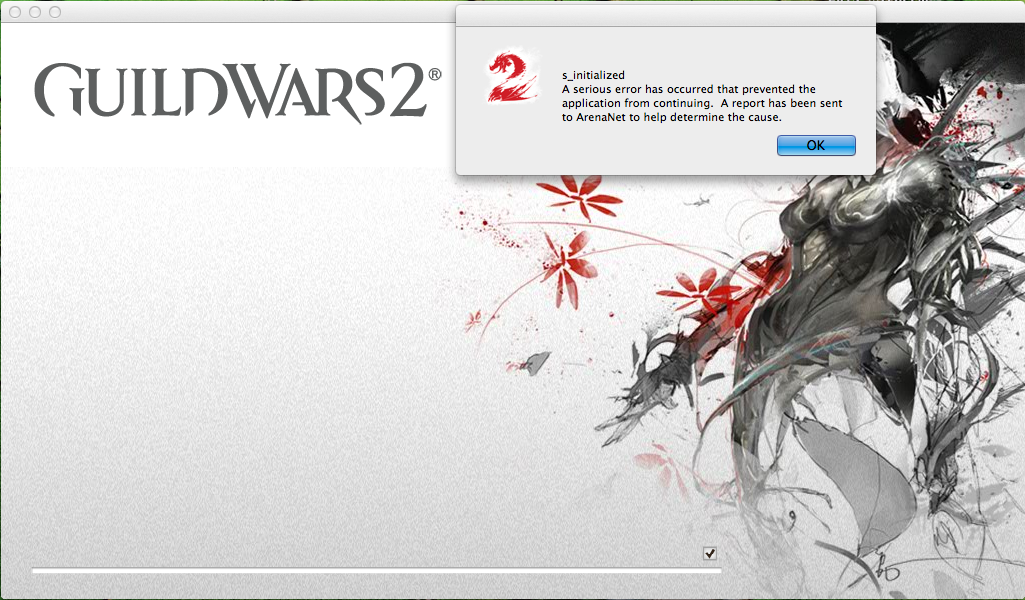
Can’t launch the game in the windows partition either. I uninstalled the game and downloaded the Gw2Setup.exe. The message is different from the MacOS client, but the main problem is the same. Haven’t seen anyone else post about this on the forums, so I guess it’s not a common issue. I can’t see any problem with my network, and I have checked firewall settings.
Although this reply doesn’t directly apply for the Mac client tech support, I would assume it’s useful info for troubleshooting.
Attachments:
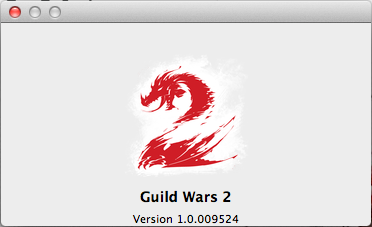
Before someone asks, this is the game version:
Attachments:
Does anyone know what causes this problem?
This is what appeard when I tried to log in today:
Attachments:
I hereby present Legionnaire Ollow Lichenfather; the bender of forces and master of elements…
Here doing some serious posing: