Attachments:
(edited by Hveps.4673)
I did not transfer or anything and we are 5 hours in after reset.

(edited by Hveps.4673)
Think he can make a patch to sort the issue ?
And can others confirm that this actually work ?
Problem sorted.
For some off reason my screen was set on 4:2:0 i put it back on 4:4:4 and the problem was gone. I dont know why my screen was set like that, but i did reinstall the graphic drivers. But that was after detecting the issue which means it must have been set on 4:2:0 by windows perhaps during last update i just dont know. But that update was last week so this remains a mystery.
(perhaps an update to the samsung tv disabled UHD color through the HDMI which then made windows go 4:2:0)

(edited by Hveps.4673)
Did not sort the problem to reinstall and i tried to screenshot the problem, but the screenshot is not affected by problem.
So that is a very odd bug that can now be added to the list of err bugs with this game.
I hope you can sort it.
(panning camera at 4k green screen and only showing left side of picture stretched)

(edited by Hveps.4673)
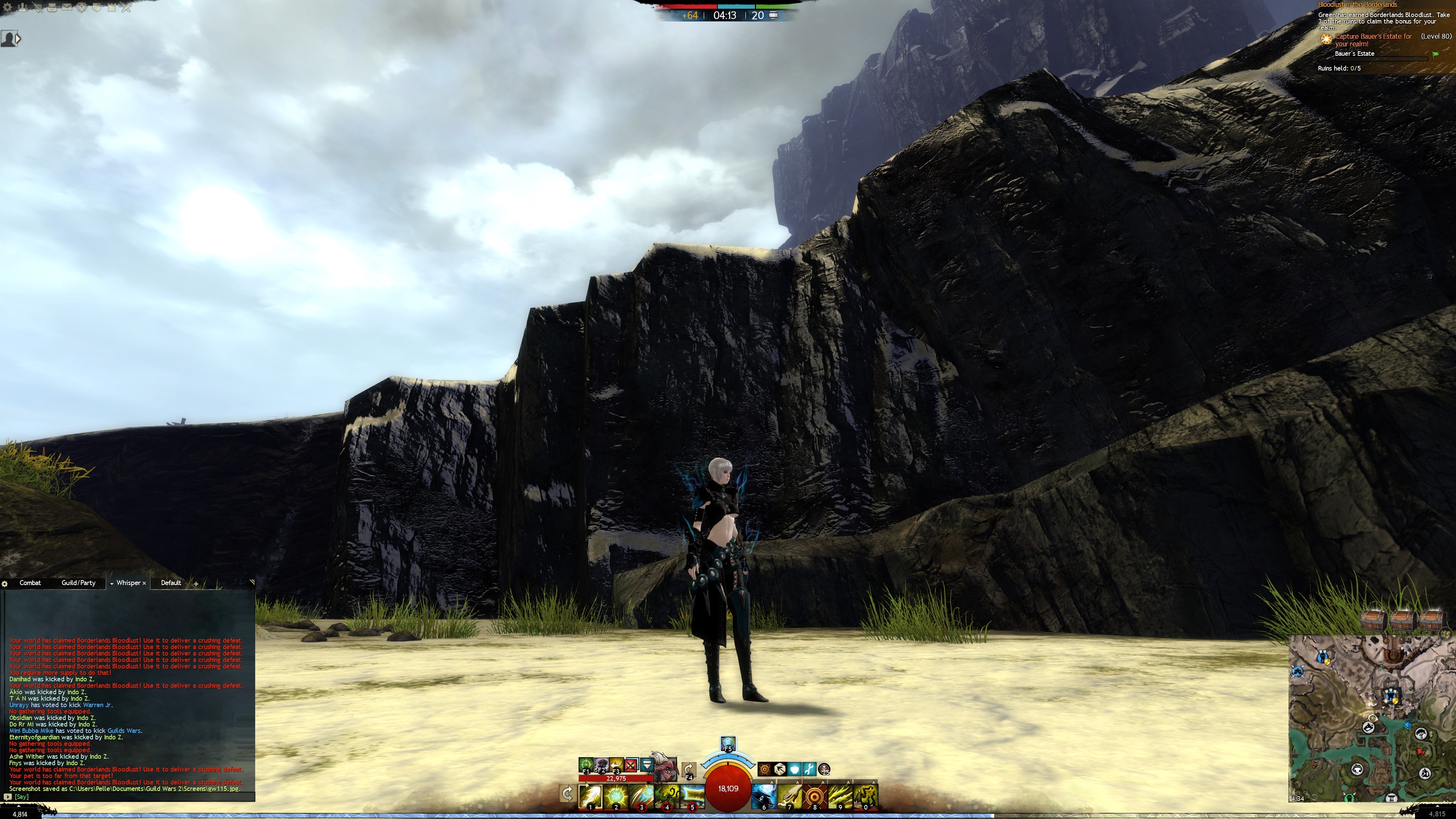
I have the same issue with 4k today all of a sudden.
Windowed mode no issue
lower resolutions no issue
other games no issue at 4k
Wiped Local.dat problem stay
updated nvidia drivers problem stay
ran repair problem stay
Reinstalling game now but i dont think this is going to sort it.
My weapons often becomes invisible when i play WVW.
The entire character often get invisible aswell after mesmers moa you.
Very random bug and not just me who got this issue so some sort of button in option to give the engine a little frendly kick in the butt to do a reset of the character would be nice if possible. Or perhaps there is a console command that we can make use of ?
Mostly triggers when i jump into water.
Would be great if it a little attention in the near future.
64 bit make the system capable of going above 4 gig of memory which was indeed needed since high setting was too close to go beyond.
A post processing problem issue is very much unlikely to appear just because he switch to launcher out so i would say that is a no go. Post processing is for a better quality image which consumes more memory for sure so it should actually be his 32 bit client that suffered instead.
So far it works flawless here and i am happy to see that we can use more of our computers now and hope people with a 64 bit launcher can get a nice looking texture pack with alot more detail in it.
so thanks alot for the launcher it was needed.
That is actually a great idea you got there.
It would still have to require a shard for the upgrade though, otherwise it could break the market on TP.
(edited by Hveps.4673)
I am wondering if it went a bit too quick for the programmer when they implemented this a while ago ?
Having to confirm every purchase is clearly not thought through i hope…. ?
Also i cant find a response to the WVW community’s request for an easier way to craft superior siege, i feel we are left hanging regarding this for years now.

Was wondering if we could get someone to make a few screens of how you drop some siege in the secure area of Citadel since it seem really effective for holding NW and NE tower in borderlands.

I haven’t seen anything about collision detection on the arrows from the carts.
Please link.
Collision detection on arrow carts would be nice, seeing the arrows from the carts going though the walls is a bit funny to watch.
Make them work like a catapult and trebs and just bounce off the wall thank you.
And by all means just keep the 45% angle the arrows go up so they still work as intended.
(edited by Hveps.4673)
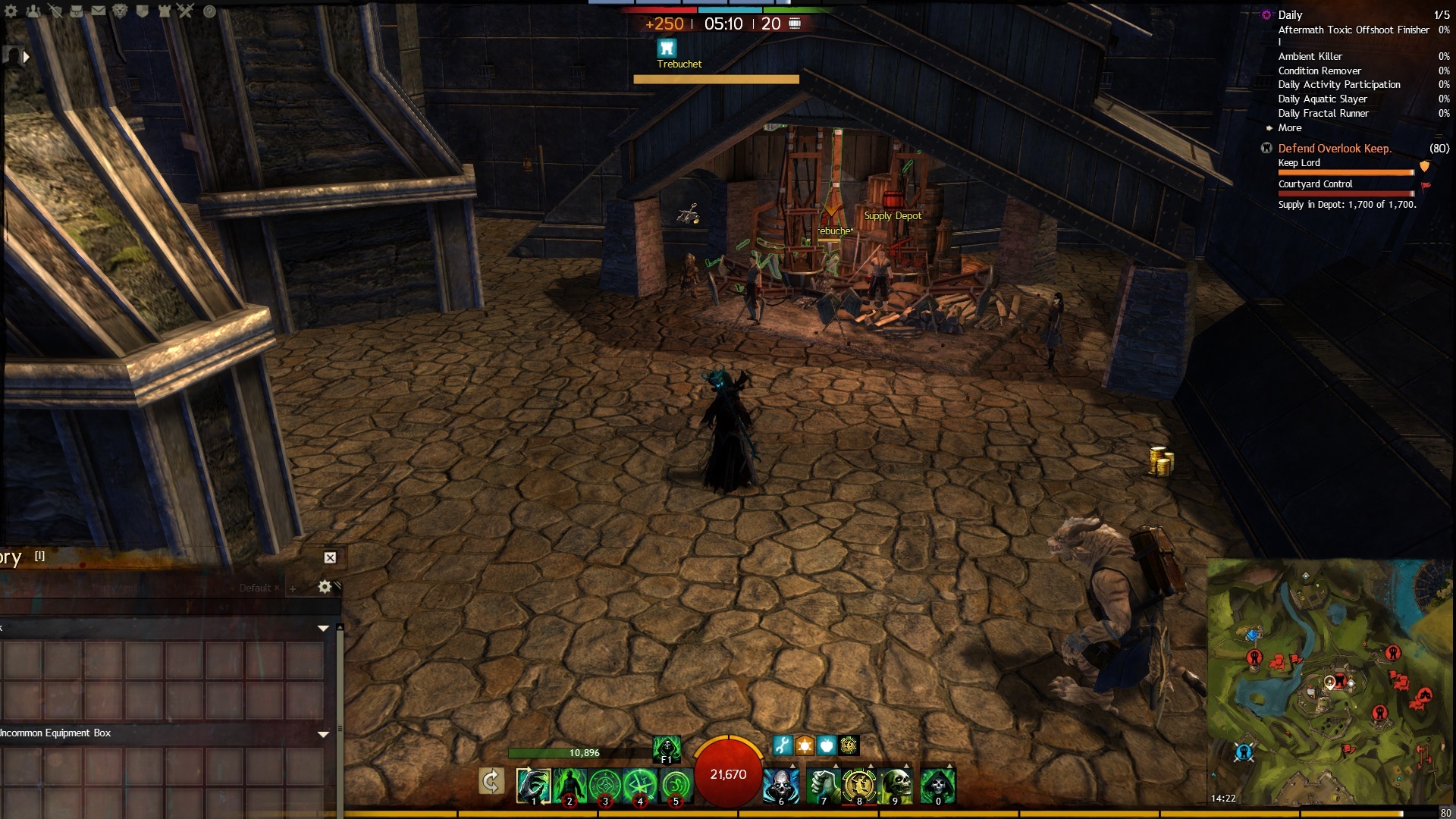
The trebs are on the ground and not the stairs at all even though the picture looks like it. Any shot should cover stairs in poison and if they manage to break the outer door both treb will be hitting anything between the 2 doors including siege.
the trebs might take minor damage from necro death shroud #4 but that will take an hour to kill the treb.
If the poison spitter is not delivering the poison and damage it is placed on stairs i think.
Maybe i should have linked picture of the watergate treb in valley keep for giggles that is a tough cookie to place.
(edited by Hveps.4673)
No they all hit just fine.
What is not show in the picture is that there is a Treb on wall behind me that tap shots stairs infront of gate. And the 2 poison spitters will destroy any siege except Omegas instant.
Rams are not used on t3 keeps here so here is a picture of a BAD placed AC and one of what happens to BAD placed AC


Learn by doing and watching others.
Here is a nice door with 2 poison spitters that will send the poison far down the stairs for example + some AC placed so the omegas dont just walk over them.
Always make sure your AC is as far back on wall as possible and make sure they are as low on wall as you can or the Omegas will do short work of your siege.


This really really needs a patch as soon as possible 3 trebs in supply hut placed by some kind soul.
They wont despawn this week for sure since everyone need to get supply now and then.
2013-11-23T00:26:33Z
Client build is 26150 (101)
Manifest build is 26130
Verifying contents of archive…
Duration: 396 seconds
Examined 265975 of 265975 files.
Deleted 0 bad files.
Skipped 2 files (local files, different versions, etc).
All is up to date even bios is v2.30 asrock z8 extreme4 gen3
I checked and updated the chipset but guild wars 2 goes black screen anyway so i this game just dont work at all while maybe 50 other games do.
Black screen have returned and i pertty much had it now.
Game is unplayable and i think it is time to throw this junk out of my computer since everything else i got works perfect, i set my gxt295 back to stock setting also since there is not a problem with my card at all.
Every part of my computer have been checked and not a sign of any hardware errors anywhere every tests passed and every other game i play got no issues.
old stable vga clock was 501/930/1242 but im not going to waste anymore time on this crap.
I have sorted the black screen after i noticed people with GTX cards suffer alot from black screens and their solution was to downclock the card. Seeing so many people with this issue makes me wonder why either NVIDIA or Anet havent done something to fix these issues.
SLI working fine with the downclock and single GPU also.
Instead of running a 3 party software like msi afterburner or whatever i used nvidias own tool which is a part of the NVIDIA control panel.
http://www.nvidia.co.uk/object/nvidia-system-tools-6.08-driver-uk.html
Clock everything down like 30% and see if game is stable (graphic clock/memory clock/processor clock) if that works start with a 10% underclock and every time Guild Wars 2 black screen you take down clock 10 mhz untill you find it stable, this is the best suggestion i can offer.
I recommend that a fix for GTX users is made as soon as possible so we as consumers wont have to mess around with things like this.
Adding my Dxdiag
I cannot play guild wars at all anymore. Im used to a black screen in this game maybe once a day, but this week i cant play 10 minutes without it happens.
Screen goes black and i can still talk to people on teamspeak but i cannot turn PC off by pressing power once i need to hard reset it and it troubles me.
I can almost log into my pc with remote desktop but it will hang and the event viewer will show that guild wars somehow blocked the attempt to login.
(i wanted to see if i could just turn it off with remote deskttop)
I have tried every possible solution on these forums and outside and nothing works with this game.
Direct X updated 9.0c + web installer
No heat problems
Changed graphic card
Bios checked all is set right with timings and so on.
Plugged computer directly into Router with all ports forwarded to my local IP
Tried single GPU up to QUad SLI same issue
Reinstalled drivers and cleaned them out several times and tried different versions. (nvidia.com)
Defragmented and checked Disks for errors.
Deleted the gw2 cache and local.dat and ran repair after.
Disabled antivirus and software firewall.
Set power to maximum performance for VGA. and tried every setting + default.
Tried running game on minimum.
Tried both PCI-E ports on motherboard.
Reinstalled the game.
I cant figure this out, it is something in the code of the game which seems to be the issue and i cant sort it out.
And after last patch the game became unplayable i cant play 10 minutes before it goes to black screen, it even happen on character screen.
I have alot of other games and there is no issue at all with crashes at all my system is very stable and nothing is overclocked.
Please help me.
Nvidia GTX 295 x2 (i only have 1 installed atm)
1200 watt powersupply.
Z68 extreme4 gen 3 motherboard.
2 sticks of ddr3 1600 mhz ram (total 16 gb)
i5-3570 cpu @3.4 ghz default speed
Not affiliated with ArenaNet or NCSOFT. No support is provided.
All assets, page layout, visual style belong to ArenaNet and are used solely to replicate the original design and preserve the original look and feel.
Contact /u/e-scrape-artist on reddit if you encounter a bug.