Showing Posts For Lostkin.6927:


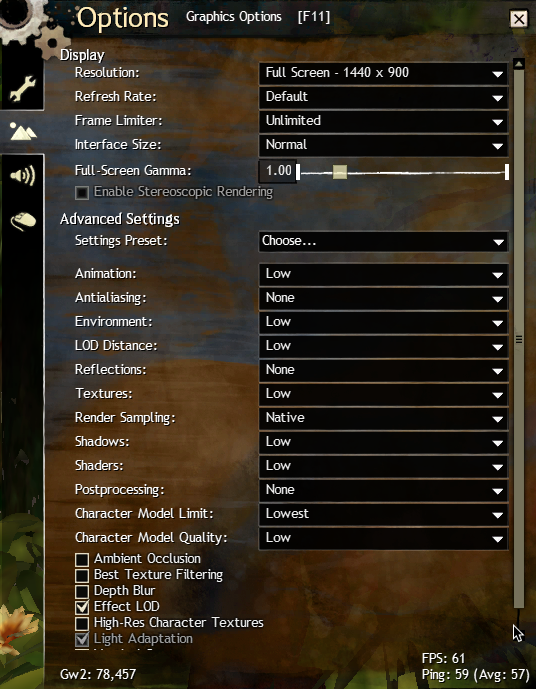
MacBook Pro Late 2013
2.3 GHz i7
16 GB 1600 MHz DDR3
NVidia GeForce GT 750M 2048 MB
macOS Sierra 10.12.5
Running in Windowed Performance mode.
External Monitor
Whenever right mouse button is clicked and the mouse is moved slightly to control the camera view/direction, the camera jumps up about 25 degrees. Inverting Camera Y-axis causes it to happen in other direction. Other camera settings have no impact on symptom. Repeatable each time mouse is clicked and camera position is changed.
**Update: Isolated the symptom to only when using an external monitor and default external monitor configuration (scaled 1080p). Symptom doesn’t occur when using scaled 1600×900 setting for external monitor.
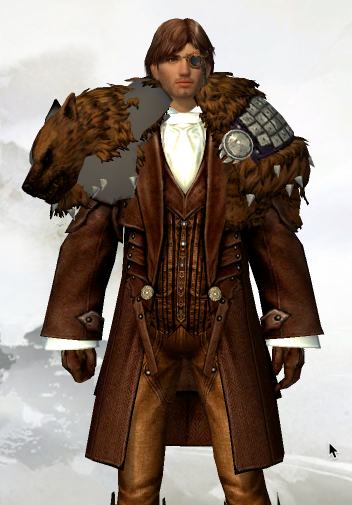
Update 2: Another way to reproduce the symptom is as follows: when in character selection screen, moving pointer over character so the pointer changes to hand for rotating character, right click and the pointer will drop lower. The in-game camera angle change is doing what it should in response to the pointer jumping lower. So the real issue is why the pointer changes position when the right mouse button is clicked in this configuration.
(edited by Lostkin.6927)