Showing Posts For OrionSilverhelm.4019:
8/10 based on a kick kitten looking charr with a vision of being a King. The furr being so dark causes some contrast issues. But otherwise, friggin sweet.
Below are 2 shots of my Charr Ranger Najagiwanda
Attachments:
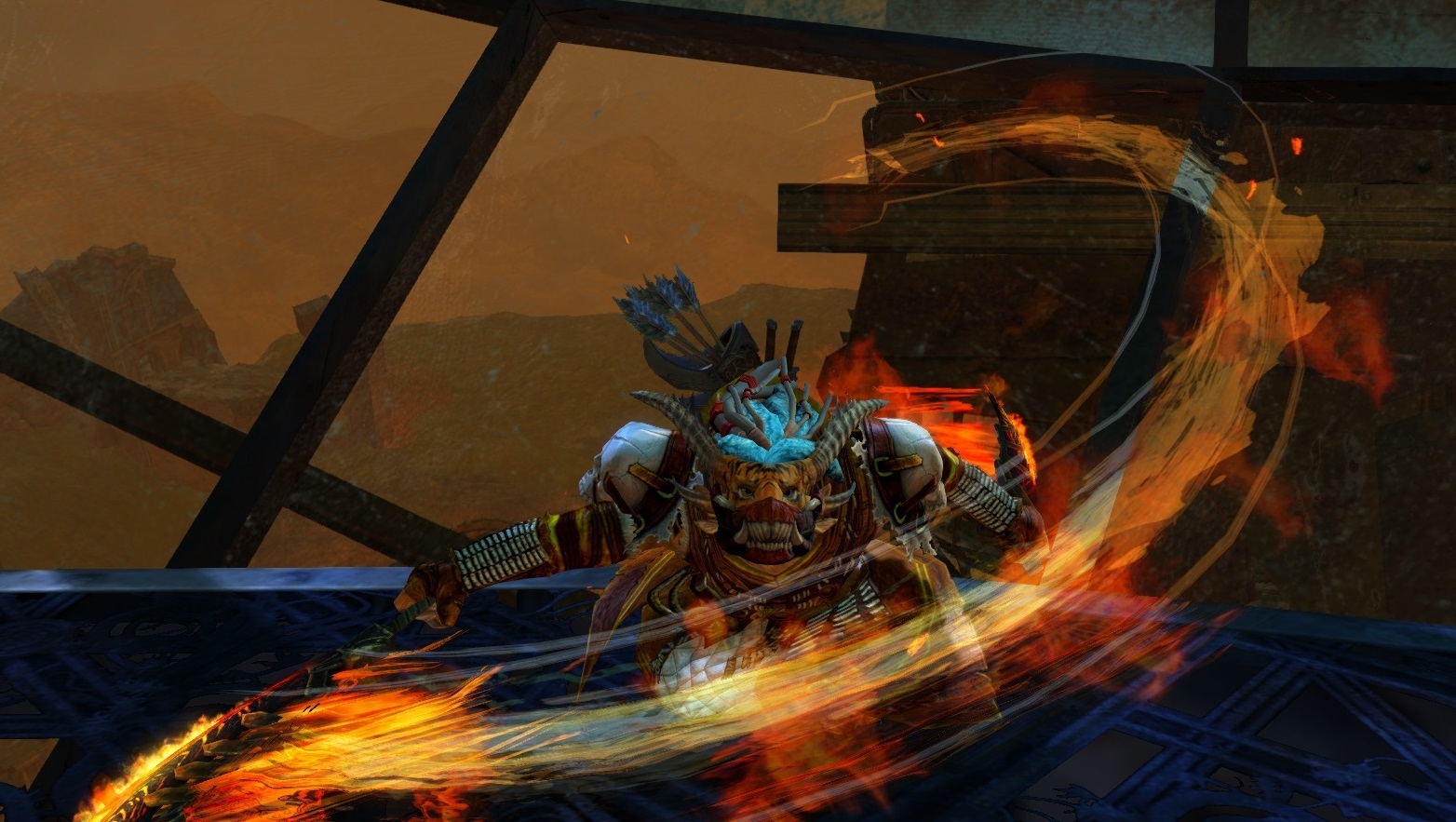

I’m feeling dapper baby!
Attachments:
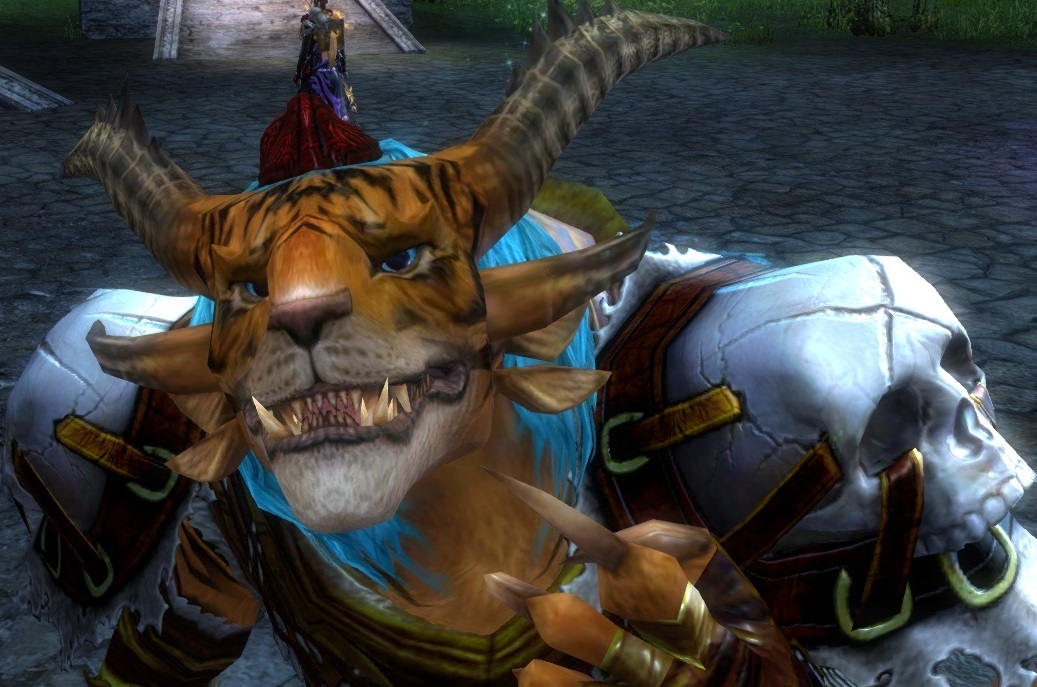
Running as administrator still does not let me save the edited file.
Carbonize, right click on the hosts file, go to properties and uncheck the box that says read only. Edit the file as listed in the guide, then save, then go back into file properties and set as read only agaain.
I’m also on Verizon in the NYC area and am experiencing this issue.
Instead of setting up a VPN, try this workaround:
Edit C:\Windows\System32\Drivers\etc\hosts using notepad (run as administrator)
Add this line at the bottom:
174.35.56.164 assetcdn.101.arenanetworks.comSave the file. If Notepad prompts you to save as a new file, you need to start over and run Notepad as administrator.
If you have the GW2 launcher already open, restart it. If this still doesn’t help, you may need to change the address above and try a different number (e.g. assetcdn.102.etc..).
You may want to remove this line later when (if?) they resolve the networking issue.
Good luck!
Worked like a charm