Showing Posts For Rado.4396:
Yes I should add that none of crash reports had option to save them. I had to copy and paste it to file. And no, it keep crashing for me in EB since Im there most of time, now I’m queued in borderland and gonna see if I will get crash there too.
Since “Twilight Arbor Assault” patch my client randomly crashing in world vs world. It starts crash more often after wvw season 1 started. Never experienced it before.It randomly crashes in big fights or by just walking around.
Changing graphic setting doesn’t stop crashing. Tried -repair command but all files was ok, 0 corrupted files. Does anyone have similar issue? Something like downloading “fresh” client would fix it?
I don’t really think is my PC, all drivers up to date, temperatures of graphic card and processor are normal, system stable, don’t have problems with other programs and games etc etc…
In an attachment one of crash reports
Attachments:
Another evening another lags / disconnects every night since dragon bash patch. Can’t play for 2-3 hours then everything back to normal….
Early Access
Attachments:
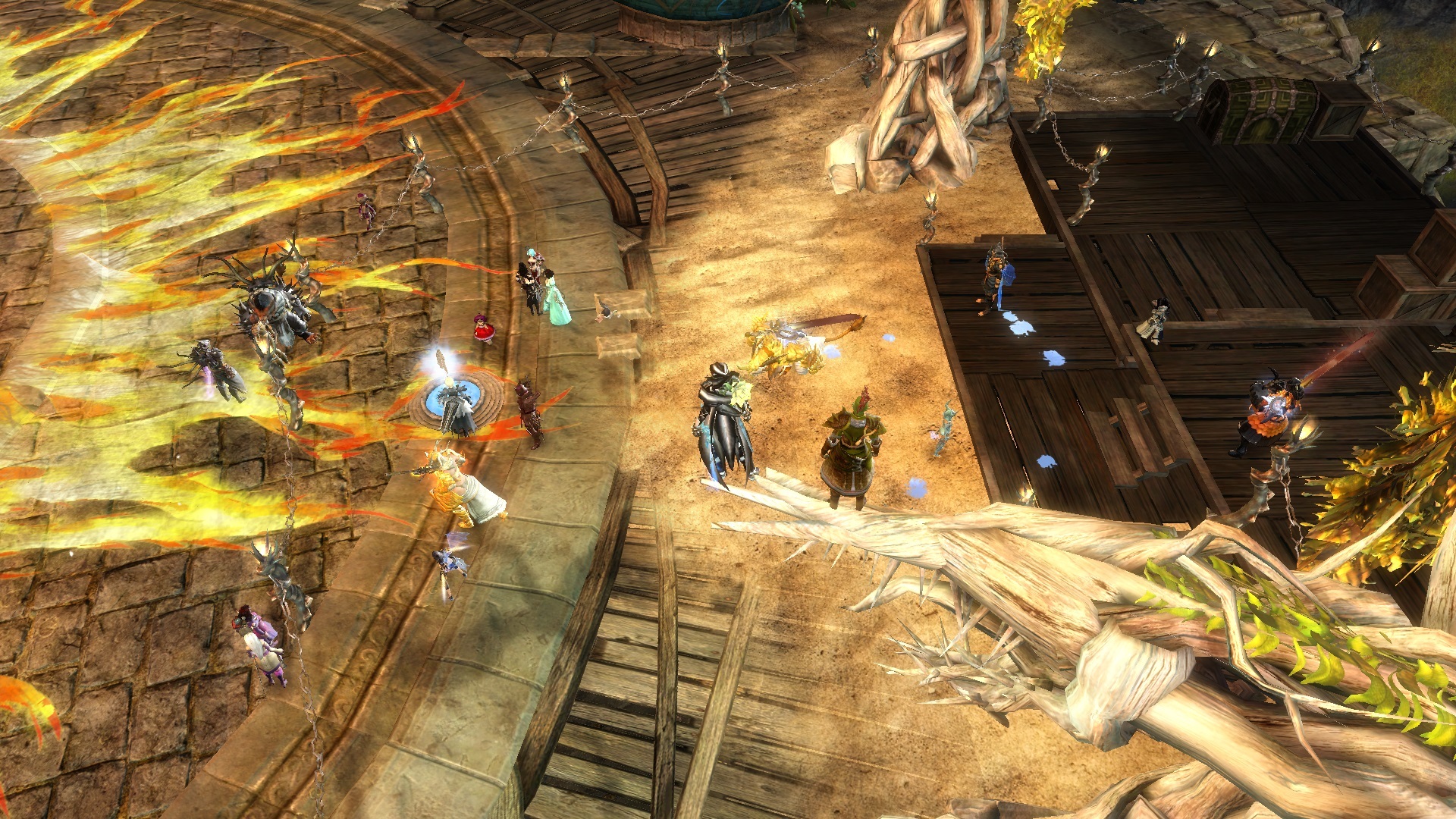
Bought Makeover kit, changed appearance, accepted and then realised my sylvari doesn’t glow anymore. Thought I forgot to set glow sensitivity, bought another kit, check 10 times if glow is on max and then… wtf, still no glowing. I read in other threads that you have to set glow both on male and female, but it didn’t work either.
The only thing I notice is glow slider for female keeps reseting to lowest position everytime you change something else and back again to glow. But for male once you set, it doesn’t change anymore.
Someone maybe found a way to fix it?
So, this is your RAM then? http://patriotmemory.com/product/specs/PSD38G1333K.pdf
You need to make sue its set to CAS 9 settings, at 1.5v. You can use PCwizard to check the timings and volts
Ok, I will give a try and see if i can use all of my RAM
@PaniK I read about this XMP and SLI i thought it might be a problem but i didn’t find anything to disable or change it.
So heres my RAM: Patriot DDR3 (8GB (2×4GB kit) 1333MHz) CL9 Retail (PSD38G1333KH)
I have 8Gb RAM – 2×4Gb RAM (tested – no errors at least memtest says no errors…) I removed 1 RAM so i only have 4Gb but game stopped crashed, for now at least. I guess i can’t trust any of this hardware tests programs.
^Also for some people (like me) Guild Wars 2 worked perfectly fine for some time. One day game just started crashing and nothing can fix it. So it means Guild Wars damaged something in my PC, or this game is so sensitive for any changes in system? But then why everything else works fine? How should I know, i know nothing about how it works, i did everything i could to fix it (tests, format, updates etc…) but no resuslts…
Fix? There will be propably one like: buy new pc … I’m not enjoying this game right now, when I’m playing, I’m just waiting when game crash again…..Its like sitting on bomb and waiting for explosion
Today i installed guild wars 2 (didn’t log in, didn’t play game) and closed client. After restarting system i run client and got info that last time I played, game crashed and it must be repaired… And yes, there were corrupted files and game download some files again… I thought formating my pc will help but it seems it will be even worse…