Showing Posts For Sparto.6413:
Still getting this stupid stuff
Attachments:
Okay I’m really starting to get really kittening annoyed i re-installed it that didn’t work i even wiped my second hard drive (which is whakittens stored in) and still no success.
Okay i cleaned the case out and applied some thermal paste and its normal temp now is around 32 and in game around 50 and im going to re-install overnight ill tell you guys how it went.
aound 40-50 degrees but when in games around 60-70
Bump Help please
Okay Ive updated my DirectX and i can get past character screen and my temp read from 40-70 degrees and the loading screen takes forever when i press play and when its nearly done it freezes causing me to Ctrl+Alt+Delete and open up task manager and when it becomes un-froze and i open it I get this.
Attachments:

Sorry about that my graphics card is a asus GTX 550ti and im not sure what driver to download
I have re-installed the driver and this still happens and my specs are
Operating System: Windows 7 Home Premium 64-bit (6.1, Build 7601) Service Pack 1 (7601.win7sp1_gdr.130318-1533)
Language: English (Regional Setting: English)
System Manufacturer: Gigabyte Technology Co., Ltd.
System Model: M68MT-S2P
BIOS: Award Modular BIOS v6.00PG
Processor: AMD Athlon™ II X4 640 Processor (4 CPUs), ~3.0GHz
Memory: 8192MB RAM
Available OS Memory: 8190MB RAM
Page File: 3023MB used, 13356MB available
Windows Dir: C:\Windows
DirectX Version: DirectX 11
DX Setup Parameters: Not found
User DPI Setting: Using System DPI
System DPI Setting: 96 DPI (100 percent)
DWM DPI Scaling: Disabled
DxDiag Version: 6.01.7601.17514 64bit Unicode
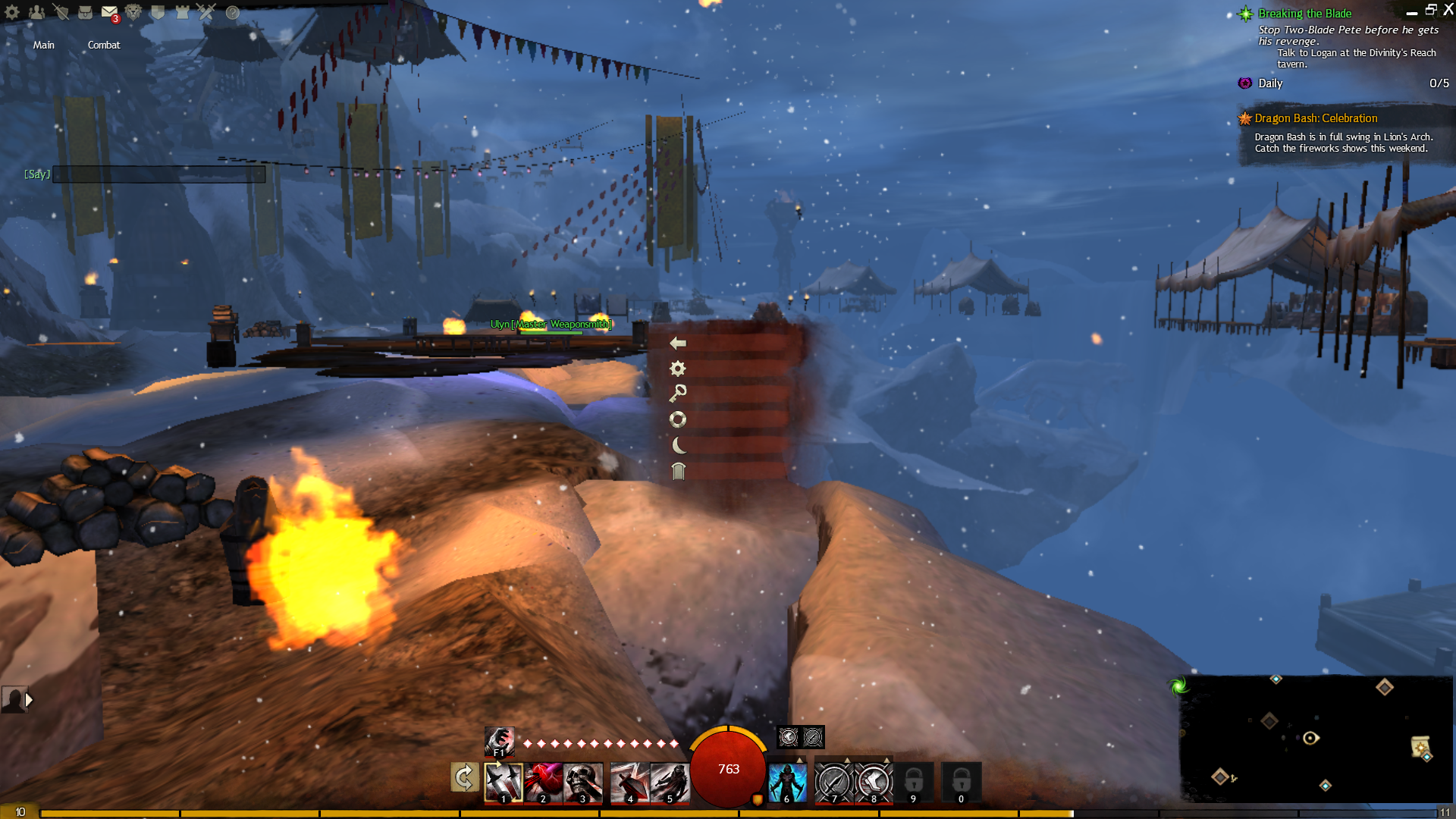
This is what I mainly get now and also things like this happen in game too.
Attachments:

hello Ive been playing guild wars 2 for about a week now and i get freezes and sometimes even whole crashes every 30 mins. I tried to put up with it but sometimes i even have to do a hard restart can somebody help me. PLEASE.