Showing Posts For TacoSauce.2879:
UPDATE: After some weird installation failures and multiple attempts, I got the driver working and have just finished the ‘To the core’ mission with no crash, where I would normally get one at the second cut scene. Thanks everyone for helping me, hopefully I’ll never have this problem again.
Now it seems the 12.10 drivers bit has dissapeared completely, it ends at 12.8 then skips to 13.
Edit – The 12.10 download seems to be back I’ll try now.
Edit – List of downloads on the 12.10 page have once again dissapeared, this is really getting on my nerves now.
(edited by TacoSauce.2879)
Okay I uninstalled the drivers but I can’t find the 12.10 download, I put in all my specs, I even go to the 12.10 section on the previous drivers bit but there is no download link anywhere it’s just blank, I tried downloading it from a different site but every link goes to the AMD page where it tells me I can’t use external websites to download it, and to do it through their website, which isn’t working.
I apologize for safe mode (no drivers), here’s the page that shows when I click ‘12.10’ (the optional downloads bit is blank also). I looked through the other HD graphics cards and they had a range of downloads for 12.10, it’s just specifically 7000’s that there is no download.
Attachments:

(edited by TacoSauce.2879)
I reinstalled it, problem still persists, I’ll tweak the graphics settings to see if I get any results. I remember a similar thing happening on my computer when I tried to play the game ‘Alien Swarm’, I narrowed down the problem with something to do with Vysnc or one of the other settings so I’ll try editing them in Gw2.
Ah I won’t be able to get a PSU any time soon, is there a way to specificly test the PSU? I’ll try uninstalling and reinstalling the game to see if that does anything.
I just opened my PC and cleaned dust from my heatsinks, played WvW for 10 minutes and then crashed during a fight. Not sure what to do now.
It’s around 10 to 15 minutes after logging in, most the time in intensive situations like boss fights, but sometimes even in light places such as caves with not many creatures.
I have AMD Overdrive installed incase there is anything I could edit there for results.
(edited by TacoSauce.2879)
I downloaded AIDA64 and did a stability test for 10 minutes, here’s some of the results.
Attachments:


You can run Core Temp or Real Temp, they save the maximum temp registered even if it’s running in the background.
What kind of power supply you have? It might be that it’s starting to fail or it can’t deliver enough power. I lost the signal completely when my PSU failed.
Oh woops didn’t realise I forget to put PSU on the list, it’s a Corsair Builder Series CX600 – 600 Watt 80 PLUS®
65C isn’t too high yet, that shouldn’t be a problem. Have you checked your CPU temps?
CPU temps were hovering between 50 and 60+ ( I never saw it go higher than 60 but speedtest says it was rising), when I tab out my temps drop really quickly so it’s hard to get a good idea of temps while ingame.
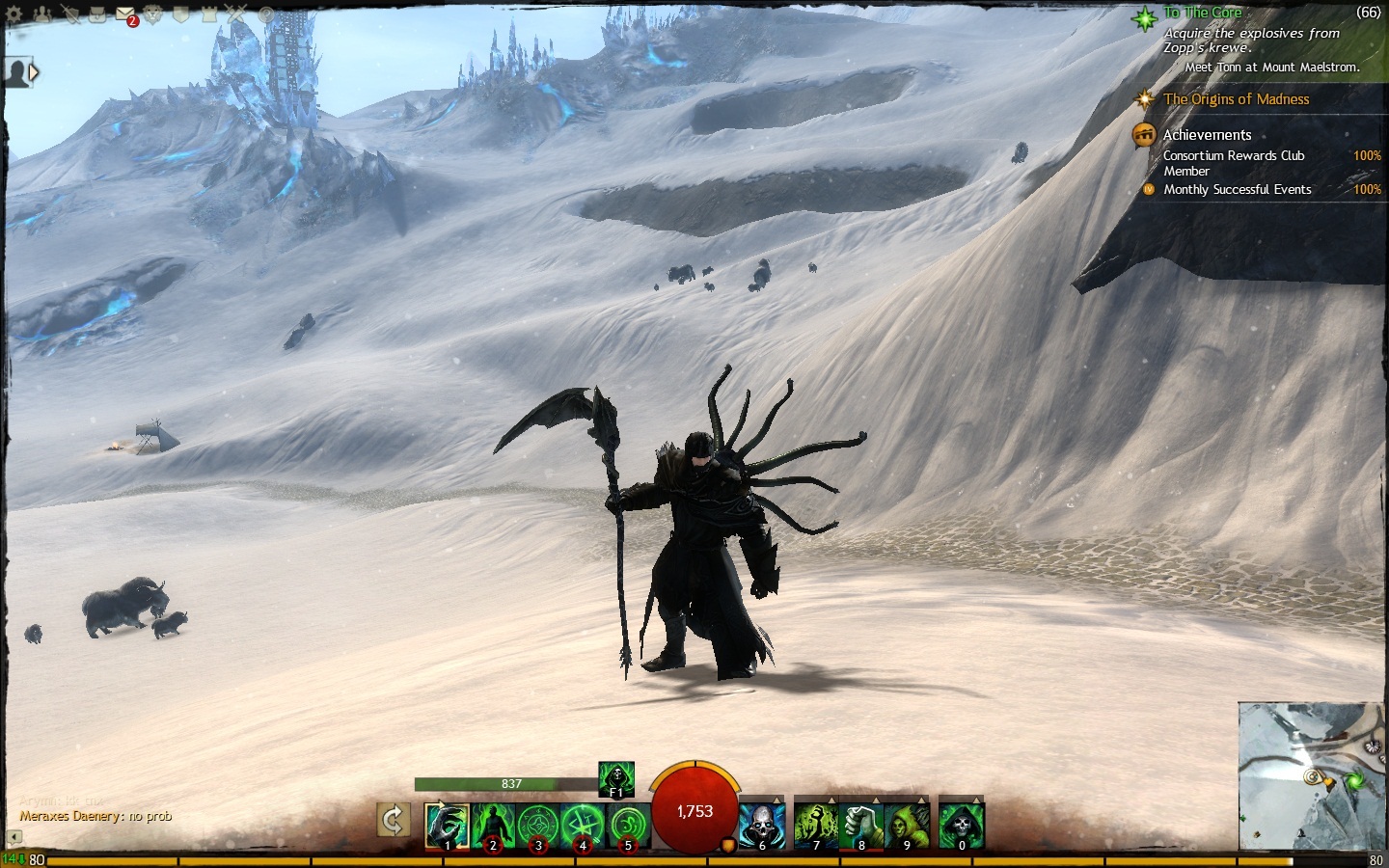
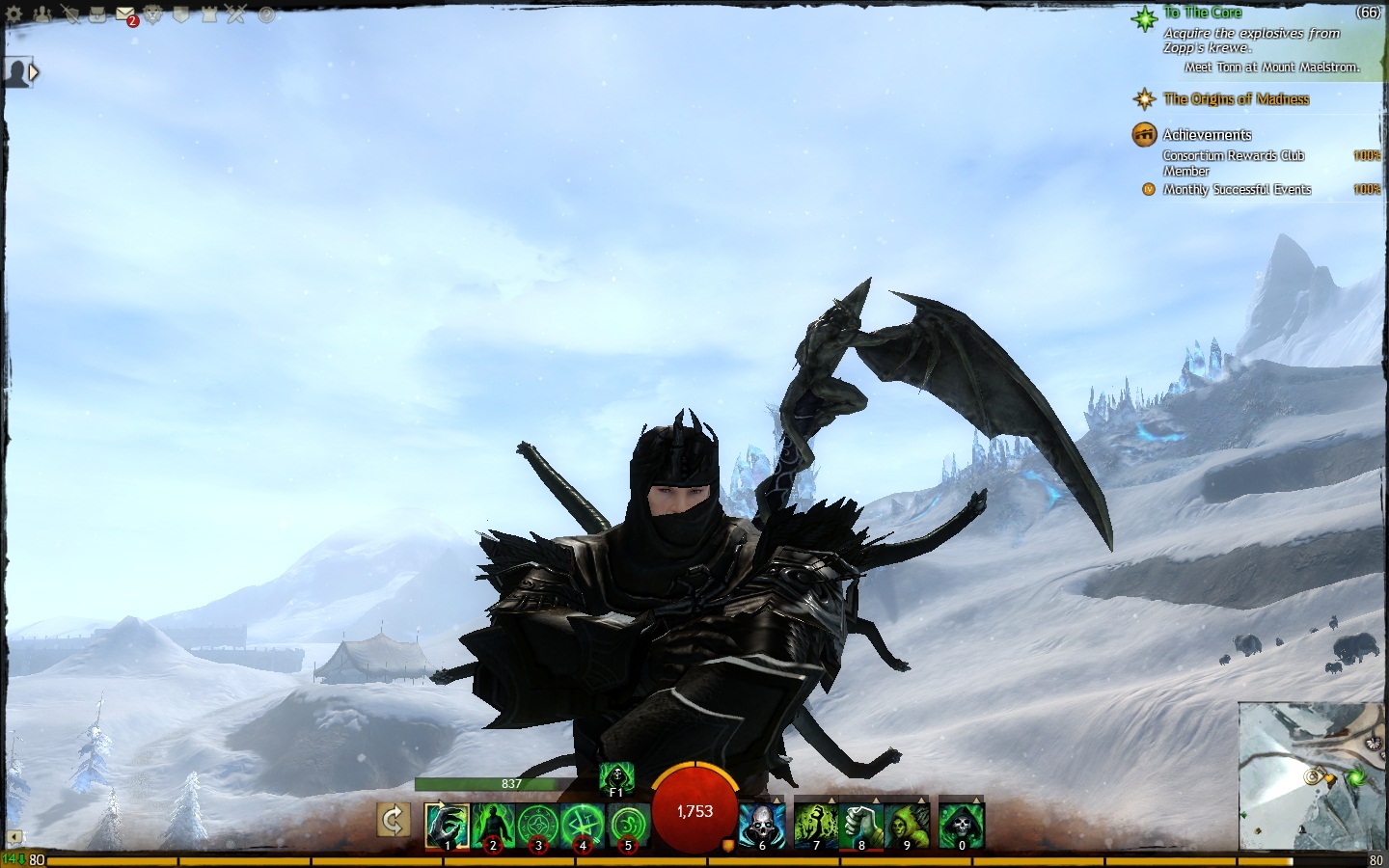
Working on my conditionmancer, not sure what look I’m going for here though.
Attachments:
Since I started playing again a week ago I’ve had non stop crashes, the screen will go black, no video input, then looping sounds and I have to restart my pc. If I’m standing in town or roaming I don’t seem to have any issues, it’s mostly during WvW and story missions that I crash which leads me to believe it’s related to overheating as it happens just at a peak points (also preventing me from completing my story).
This never happened when I used to play and there have been no major changes to my pc.
My specs:
XFX 7770 1gb factory “superoverclocked”.
AMD Phenom II x4 965 3.4gz
8gb Corsair vengeance ram
500gb WD blue HDD
MSI 970A-G43 AMD 970 (Socket AM3+)
Windows 7 Ultimate
Corsair Builder Series CX600 – 600 Watt 80 PLUS®
Solutions that I have tried:
-Setting anti aliasing to use application settings in AMD catalyst (it was already set like that).
-Repairing GW2 via the repair shortcut method.
-Underlocking my GPU by 100 mhz
-Cleaning dust from inside of the computer (there was little dust anyway)
-Using speedfan
-Changing ports for DVI input
-Updating my drivers, I used ‘slimdrivers’ and it made no difference
-Setting LOD distance to low
-Vysnc on or off, still crashes
-Not a solution but I have 68gb free on my HDD so memory isn’t a problem.
Just before I crashed in the volcano I tabbed out and looked at speedfan, my GPU temp was at 65C and rising apparently, I’ve been at them temperatures frequently in Farcry 3 without problems though.
If anyone has any solutions I would greatly appreciate it, thanks.
Also, not sure if this is relevant but I went to my GW2 document, clicked on the ‘Arenanet’ notepad file, and it shows some sort of crash log, may be of some use? Here it is: http://pastebin.com/9ZwGV3mW
(edited by TacoSauce.2879)
Me and my friend have had trouble completing the 2 achievements ‘Consortium Rewards club member’ and ‘Southsun settler supporter’, I put the buff on for which ever one I’m doing, I go do 5 events and nothing happens. I make no progess on the achievement bar and I have no idea what to do.
I have a feeling it’s a really simple thing that I’m not realizing but I’ll appreciate any help.