Attachments:
(edited by rentalpep.6427)
I hope this helps.
I took a lot of screen shots with different graphic settings. The settings should be quite visible. I tested it pre-screenshot and got what I felt was an analogous response with higher settings, which I’m not sure if it skews or improperly correlates with your results. By that I mean, with higher settings I think I got the same results as you.
I’m sorry there is so many screenshots, I was trying to get as close to my pre-screenshot setting without the benefit of knowing what it was, so I just tried several settings. My last two, should ultimately demonstrate a dip to a lower FPS, granted with the benefit of high rendering setting. My first few screenshots should be close to your settings. There is still a dip, but just not the kind of dip that I think you wanted to see.
My computer hardware is:
GeForce GTX 680 2GB 256bit GDDR5
Intel Core i73700K
16GB of RAM
Seagate Barracudea 2TB 7200 RPM 64MB Cache
Two Monitor Setup


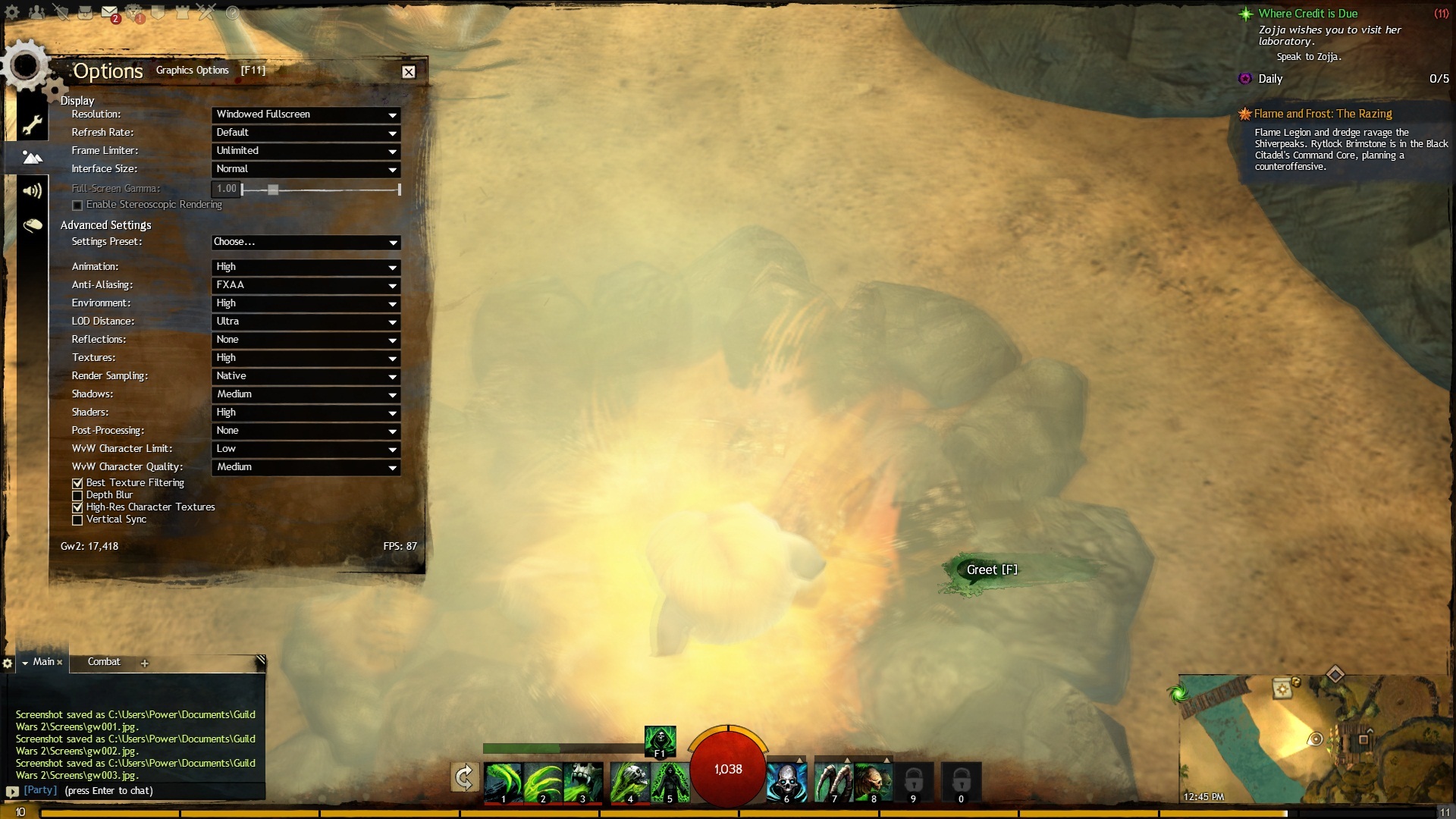


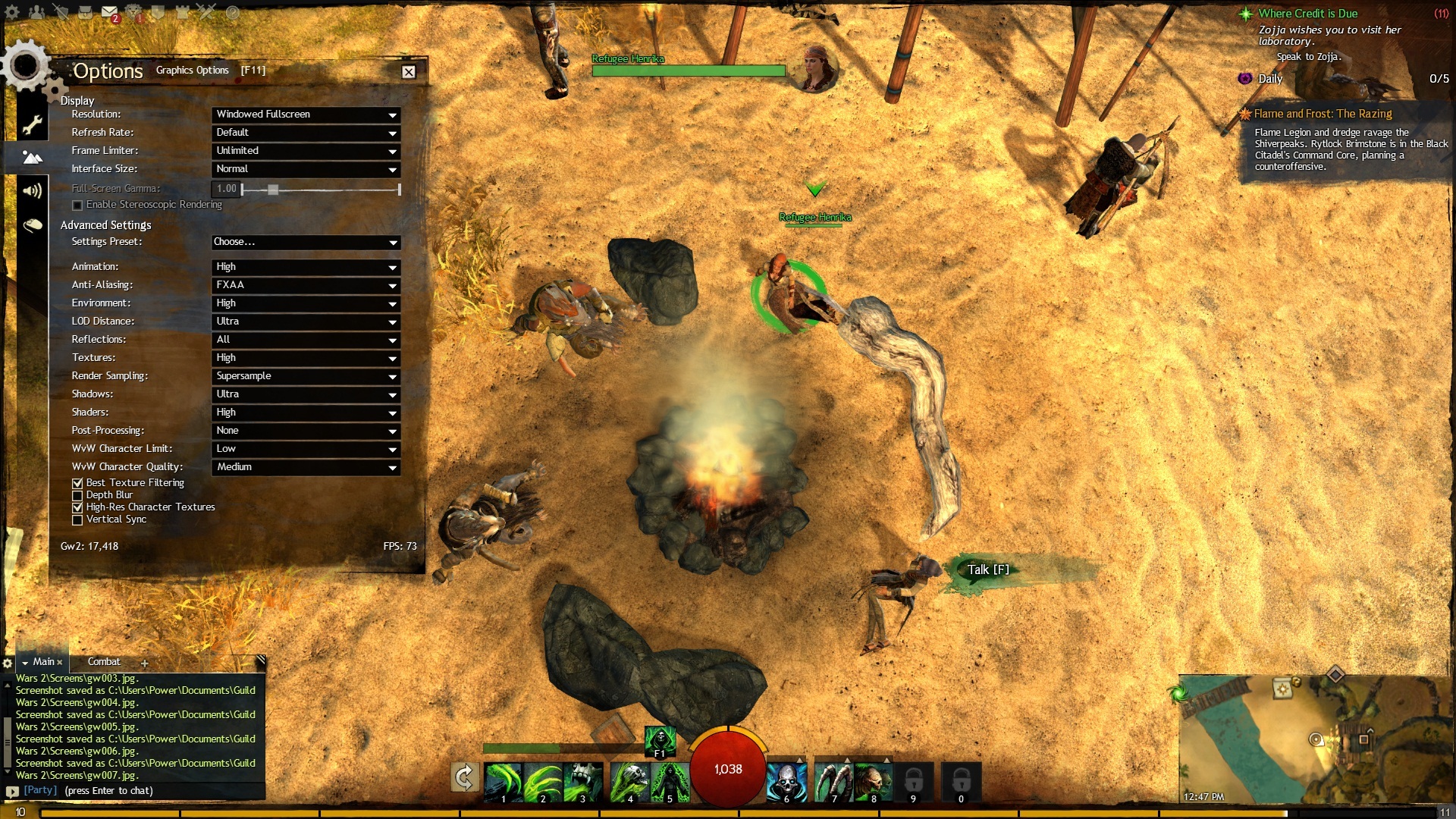


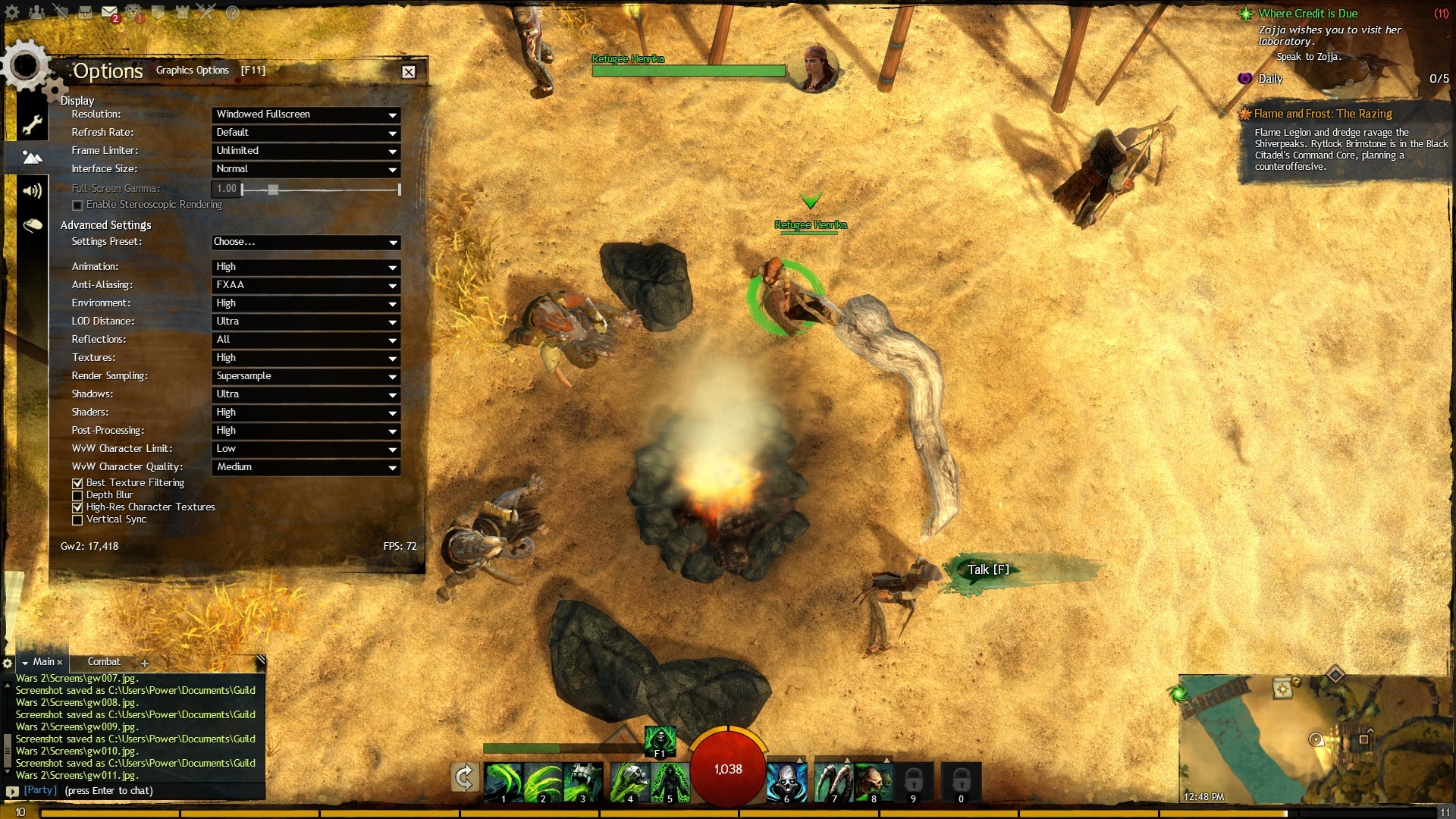
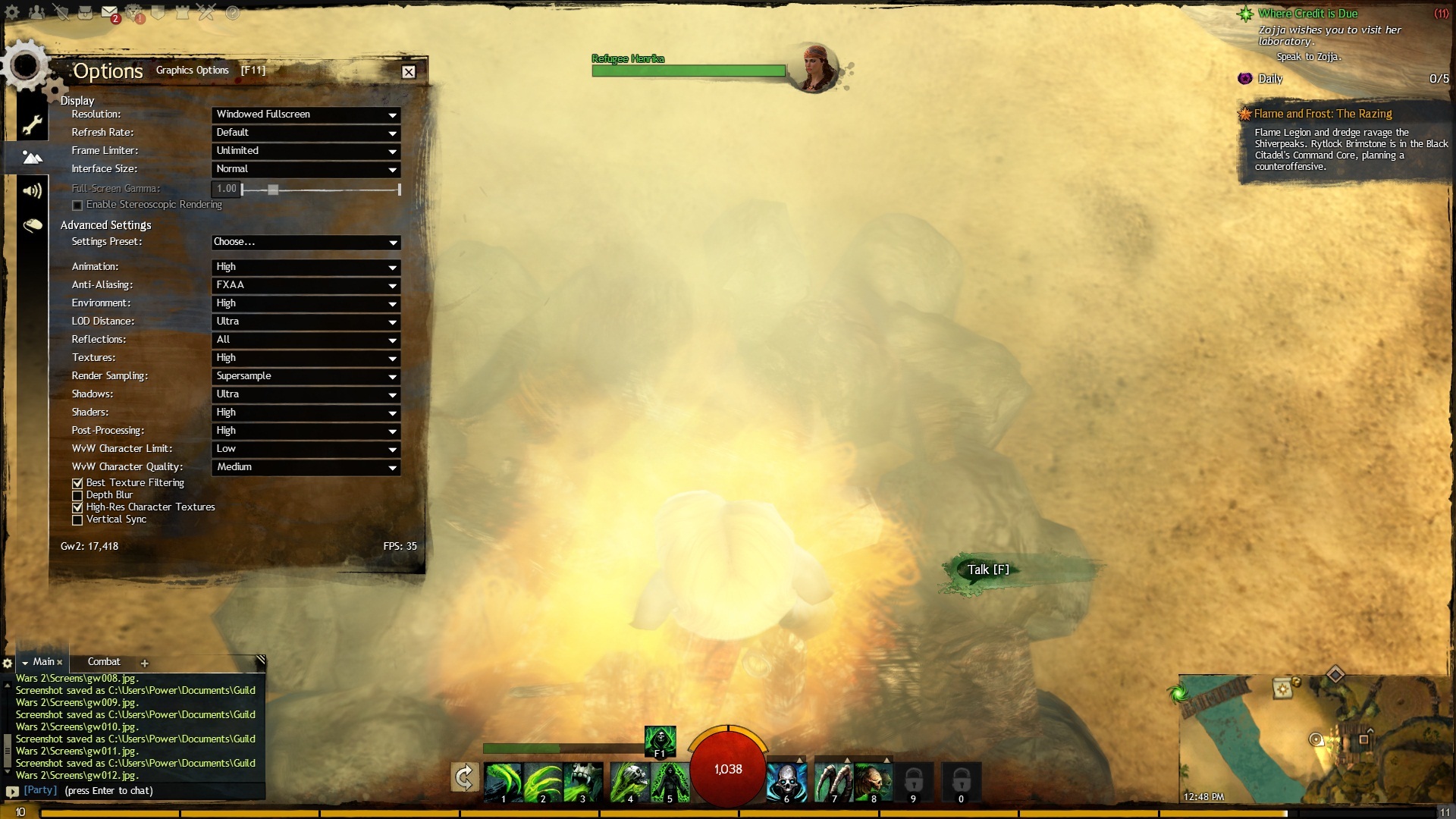
(edited by rentalpep.6427)
Not affiliated with ArenaNet or NCSOFT. No support is provided.
All assets, page layout, visual style belong to ArenaNet and are used solely to replicate the original design and preserve the original look and feel.
Contact /u/e-scrape-artist on reddit if you encounter a bug.