Showing Posts For jokermo.3058:
1 2
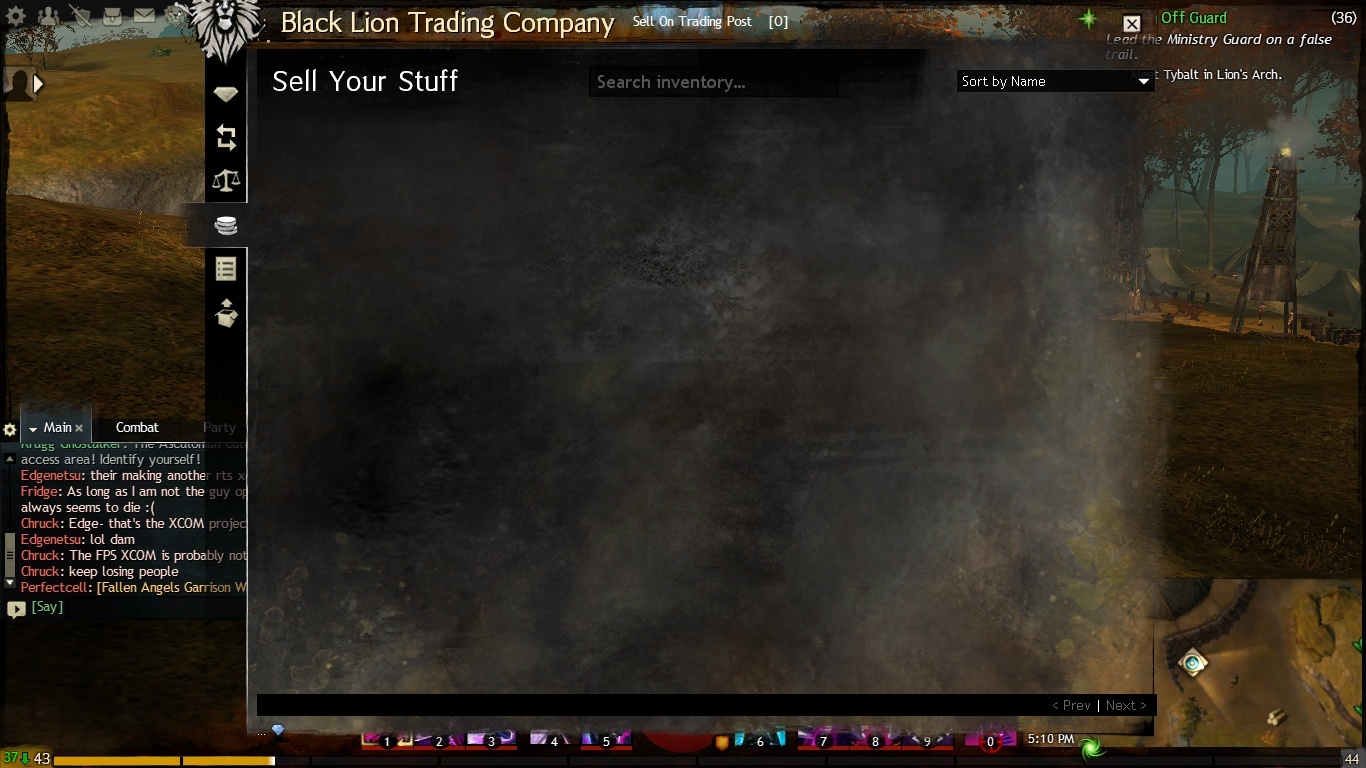
well my tp is working but i am having trouble trying to read any of it as the font is really tiny and mushed together i also cannot even see if the thing ill be buying will be better then what i have now as it wont show me the popup box to show what it does i also am wanting to know if it will ever be possible to preview the item before i buy it
well i was wrong i can buy but not sell so nothing new here
(edited by jokermo.3058)
Hi,
It’s not in the patch notes, but in tonight’s build we rolled out some changes to the Black Lion Trading Company that may fix it for a lot of people.
If it was not working for you, please check now and see if it’s working now.
i did and its not still same old error invalid authorization
idk what that means but its been that way since launch and nothing suggested so far seems to fix it
my trading post is still doing its error invalid authorization i have tried restarting -repair
and toggling my language but to no avail this problem has occured since launch the only time i got to use the trading post was when i was in beta
and now im back to the error invalid authorization the the trading post loves so much
Try running the game eith administrator privileges. I had a similar error and running the game in administrator worked
um im sole owner of this computer and i only have one admin and thats already me lol
Assuming from your reply that you aren’t particularly PC-savvy, being the sole user (and therefore default local administrator) on your computer doesn’t automatically determine that everything runs in administrator mode. Quite the opposite, in fact, as you’re still just a user who is granted specific permissions and not the “real” administrator account embedded into the operating system.
I know it sounds illogical, but that’s Microsoft for you. Blame it on UAC: a good idea gone wrong. That also means this advice is moot if you’re still running XP, but then…well, never mind. All I’ll say is end of life on that bad boy is coming up fast.
So if you’re on Win7, if you’re the only user, and if the application you want to run is trusted (which gw2.exe should be, given that we’re all pretty sure ANet’s not just trolling us with fancy malware) then right-clicking the executable, selecting properties and in the compatibility tab checking the box that says “run the program as administrator” isn’t opening you up to any threats.
Give it a try. It may help, it may not, but at least you’ll have made the attempt.
ok let me be as clear as i can i was being sarcastic i know all about pc’s i went to school for them and i already have all that setup eons ago
so thank you but i dont need help with that just for why my trade post dont work
(edited by jokermo.3058)
Try running the game eith administrator privileges. I had a similar error and running the game in administrator worked
um im sole owner of this computer and i only have one admin and thats already me lol
Perfect. Thank you.
welcome i just want to be able to make some coin for my pants lol
i i thought to say i have been able to sell items but it was once about a week ago otherwise it was worse so at least i can buy stuff now
(edited by jokermo.3058)
not sure if this is the same but this post was exactly what im having an issue here is the screenshot and honestly dont know what more detail i can give
Attachments:
Game crashing after clicking 'Play' on login screen
in Account & Technical Support
Posted by: jokermo.3058
dont know if this will work for you or if its problem but i would open client hit login and then play and the game would go to a black screen i fixed mine by setting the shortcut command line to – windowed this allowed me to get to character selection screen
i log in i hit play and then it just black screens
in Account & Technical Support
Posted by: jokermo.3058
not sure what you mean?
i log in i hit play and then it just black screens
in Account & Technical Support
Posted by: jokermo.3058
i then have to ctrl-alt-del to kill the process which shows as not responding
if i open my control panel everything is all messed up looking instead of the regular spinning nvidia logo
even if it looks normal starting the launcher just results in it showing the launcher with downloading at 0%
i have to restart every time each time hoping it will go to my character screen
and when it finally does no issues if i close the game it will be the same process all over
started right around launch
Attachments:
1 2