Showing Posts For Arawn.4978:
There’s something that’s been bugging me since the AMA. Chris said that Ascended gear is “designed to fill the ‘Time’ gap in regard to the distance between exotic and Legendary in terms of progression.” If that’s the case, why didn’t they release the Ascended weapons first? Wouldn’t that make more sense since the only Legendary-type equipment that we can get right now are weapons?
But you don’t get any exp from any event during the prologue. The only way you can get any exp during the prologue is to defeat enemies.
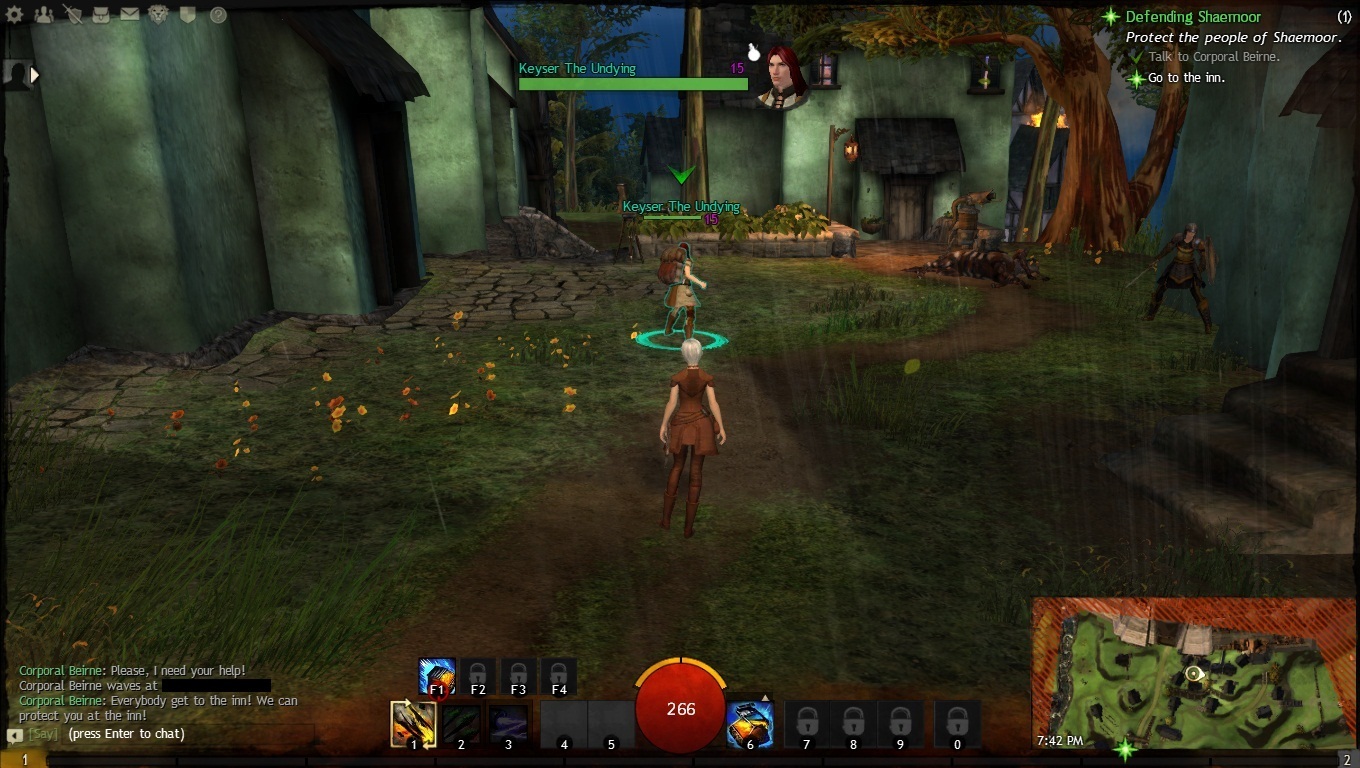
Just saw a level 15 Engineer while I was still doing the prologue mission. He even has turrets. How is that even possible?
Attachments:

AMD display driver stopped responding and has successfully recovered
in Account & Technical Support
Posted by: Arawn.4978
Unfortunately, I don’t have any other video card. Unless you count the Intel HD Graphics 4000. But then when I try to play using that, the game crashes on start-up. Can’t even log-in and play.
AMD display driver stopped responding and has successfully recovered
in Account & Technical Support
Posted by: Arawn.4978
I would be very careful of jumping to “worse case scenario” and starting to spending money on things, when you don’t actually know what is wrong.
I would expect to see hard reboots or blue screens if it was hardware or even software related.
That being said drivers/software are the very best place to start. Since they only cost you time.
Get an application called Driver Fusion, reboot your PC into safe mode and run the application. Select AMD, Nvidia and Intel graphics drivers (Not chipset) Let Driver Fusion purge your PC of everything.
Get the 12.9 beta drivers and do a fresh install and reboot.
Then try a repair of GW2. Create a new shortcut and add -repair after the “…gw2.exe”
Example: “c:\my games\guild wars2\gw2.exe” -repair
Must be after the " "
And if all that doesn’t work you might want to try a fresh install of windows.
I know this sounds like a lot of work, but it still not going to cost you anything.
Tried all of that, nothing works. What’s worse is that the driver crashes even though I’m using the lowest settings. Just not immediately, probably around 5-10 minutes. And I tried to see if this would happen to other games so I tried playing playing Skyrim and wouldn’t you know it, the driver crashed. I’m pretty sure this means that this isn’t a Guild Wars 2 problem.
AMD display driver stopped responding and has successfully recovered
in Account & Technical Support
Posted by: Arawn.4978
I’m plugging the graphics card into the PCI-E ports.
Edit: I’ve updated my driver and tried playing the game at the lowest settings again. So far, no crash. Which kinda defeats the purpose of me buying a new graphics card if I can only play on the lowest settings.
(edited by Arawn.4978)
AMD display driver stopped responding and has successfully recovered
in Account & Technical Support
Posted by: Arawn.4978
Turns out I was wrong. The driver’s still crashing, even when I’m using the 12.6 driver. Is there any way to know if the one that’s causing the problem is the hardware? Oh and if it will help this is my power supply:
http://www.newegg.com/Product/Product.aspx?Item=N82E16817171048
AMD display driver stopped responding and has successfully recovered
in Account & Technical Support
Posted by: Arawn.4978
Well, I’ve updated my graphics driver and the good news is that the driver no longer crashes (I think). The bad news is that now, my game crashes to desktop. So I’m stuck looking at my desktop while the music from the game is still playing, forcing me to use windows task manager to close the game.
AMD display driver stopped responding and has successfully recovered
in Account & Technical Support
Posted by: Arawn.4978
Hey guys, I’ve been having this problem where my screen just turns black and then everything would be back to normal after a few seconds. This only happens when I’m playing the game. It seems that the display driver crashed or something. I tried playing in the lowest settings, playing in window mode, and updating my drivers but nothing works. Any help would be appreciated since I really want to play this game.
Here’s my DxDiag: