Showing Posts For Ellotez.5847:
Having the exact same problem I could play yesterday but couldn’t today I made no changes to my mac at all. I tried updating mac software and still the same issue! Starting to wonder about a refund!
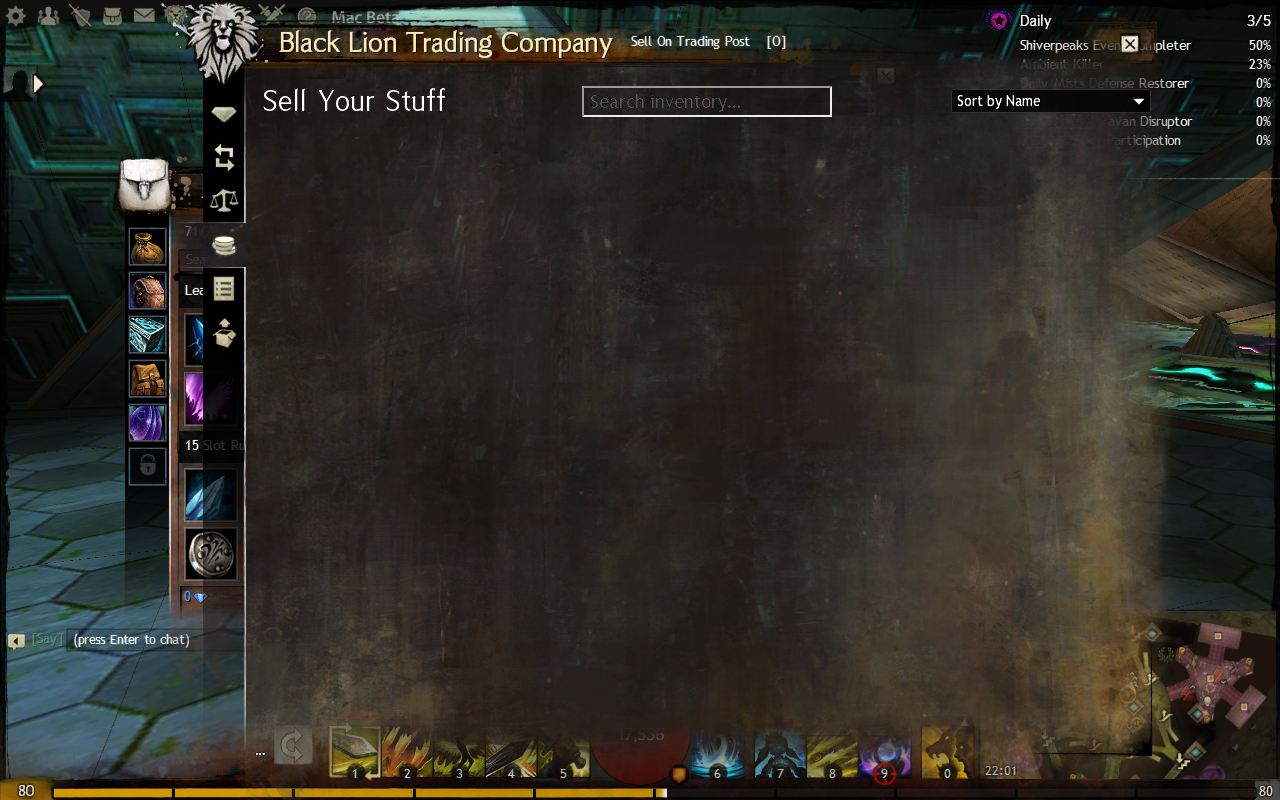
are you getting something like this?
Attachments:

after the TGupdate patch today, mine was sort-of working. i logged out and did the old delete GW2 folder trick(see post #2 in this thread). now it seems to be working normally.
Guys this worked for me it should work for you all please try this before anything else. steps are here:
1 Click on the “Finder” icon located in your dock or the desktop of your computer to make “Finder” the active program in the finder menu bar.
2 Hold down the “Option” key on your keyboard while clicking “Go” in the finder menu bar. A drop-down will appear.
3 While still holding down the “Option” key, click on “Library” in the “Go” drop-down.
4 Once in the Library folder click on Application Support > Guild Wars 2
5 Move the entire Guild Wars 2 folder to the trash and then empty the trash.
The next time you launch the BLTP it should load up.
Not been able to sell today for some reason worked fine yesterday. I can buy if I exit game and wait a while to load. But when I try to sell it looks like this (see attached image) and there is a strange white outline round the ‘search’ box.
Also Ive done a report