Showing Posts For FarhanAR.5734:
Sorry the selling one is attached here.
Attachments:
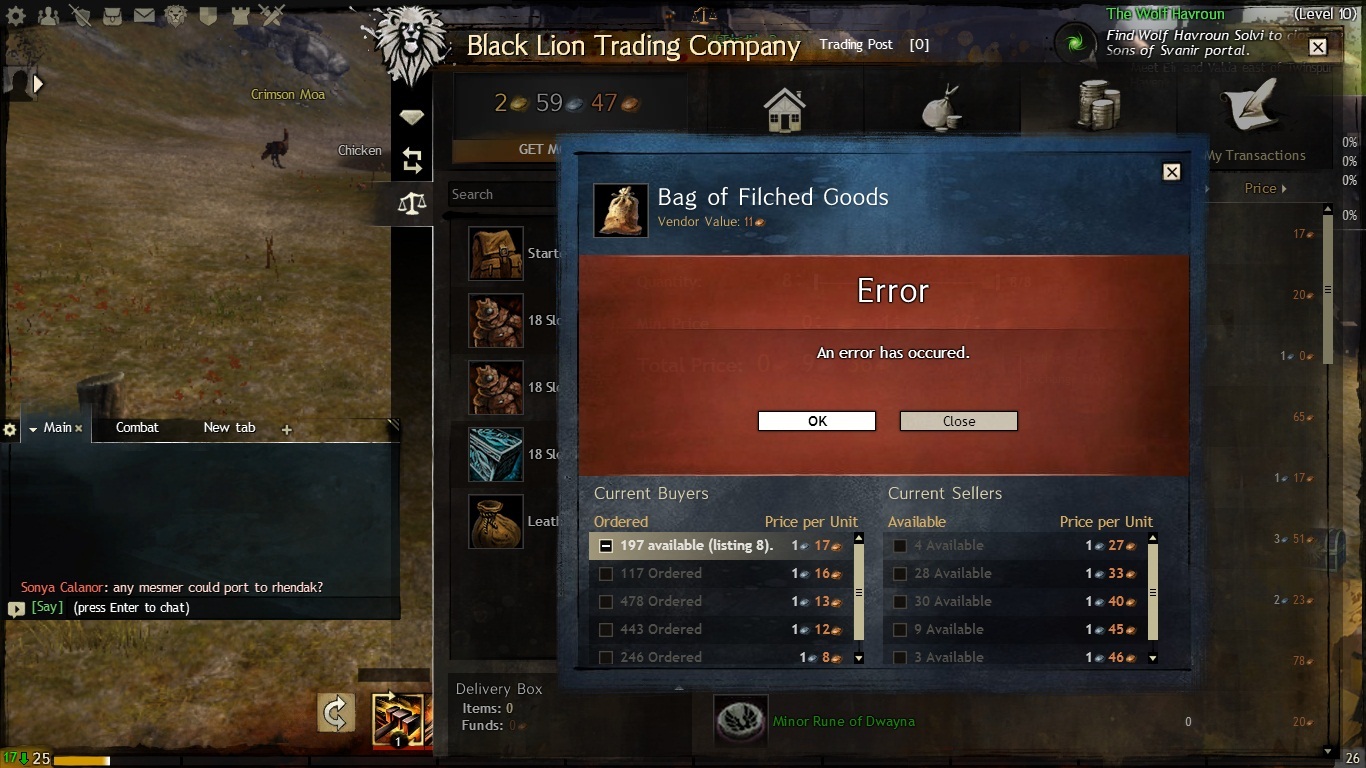
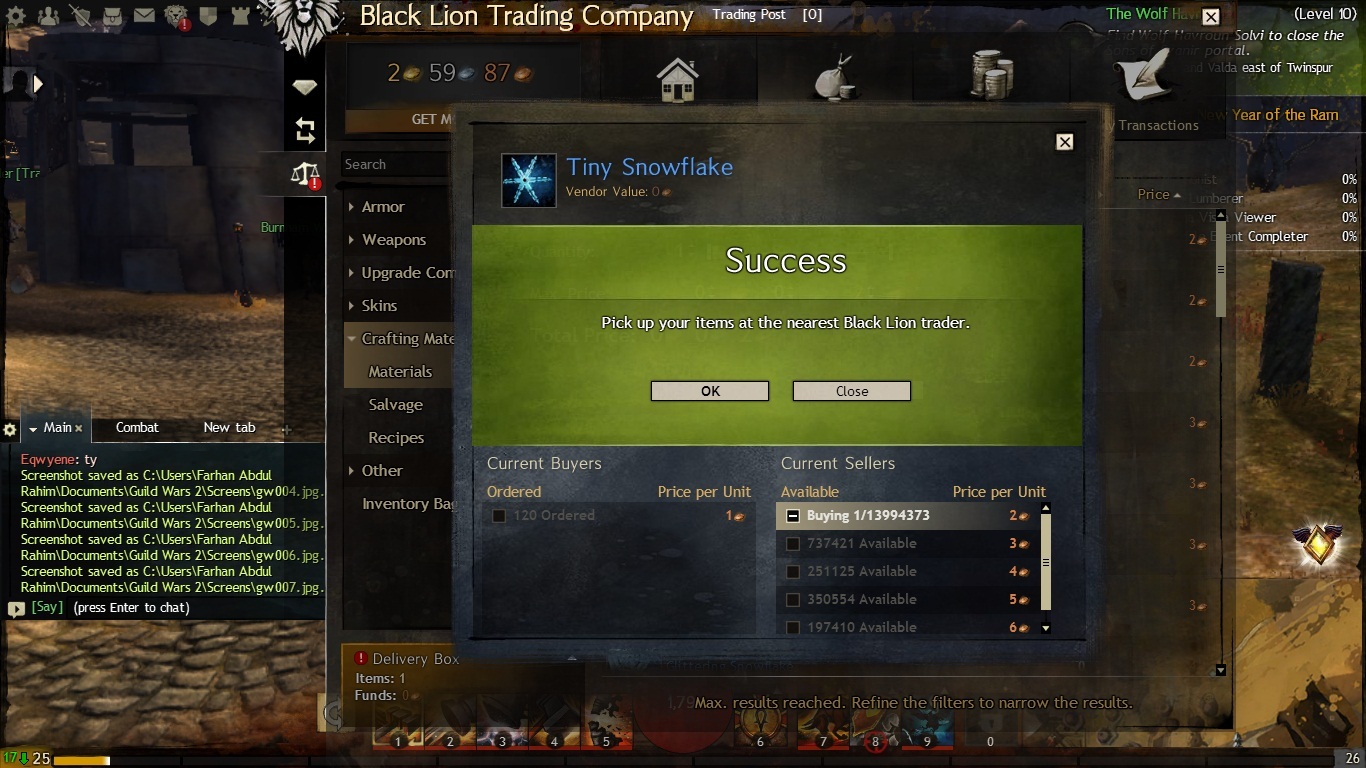
Same error with a VPN, different ISP and a fresh install. Also tried a registry cleaner and fixing the registry of the game with the -repair and -verify command. It gives the same error which is attached/success for buying, but error for selling
Attachments:
Thanks for the reply. Will post the results soon.
…
.But are the support staff as sincere or are they going to delay it more?
……All I can add right now is that this has been posted for over a week and not a single other player has jumped in to say, “me too!”, on this specific error or problem. That certainly does not imply some sort of generic bug on the GW2 side (but I’m not saying it’s not impossible, just unlikely).
Did I claim it to be a generic bug? I actually scoured the forums to see if there is a solution to it and guess what there is nothing. Now its one of two things. either I go and buy a new computer to play this game or the support staff takes a look at the problem rather than provide solutions from a rote learned manual. Which one would you prefer?
I don’t care about the net::ERR_SSL_PROTOCOL_ERROR
The trading post is a website. That error means you’re failing to establish a secure connection with the site.
As for the other error, post a screenshot of it so I can identify what type of error it is. I’m assuming it’s on the page itself, like when you sell items too quickly, in which case it might be an account problem or something is modifying what you’re sending.
With the SSL error, does the gem store work? What about browsing the trading post?
First, as a note, some of these are for the SSL error specifically, however they can help in both cases.
If you ignored what I said before, do it now. Additionally, in the Internet Options, under the Advanced tab, click the restore advanced settings button (you may also want to try the “Reset…” button after this, but not right now since it’ll reset everything). In the box above, scroll down to the bottom and ensure that all SSL and TLS options are checked. Under the Connections tab, click the LAN settings button and uncheck all options, then click OK and again out of the Internet Options. Reopen the Internet Options and go back to the LAN settings. Confirm that everything is still unchecked. Proxy software might forcibly modify your settings.
Setup Google’s DNS: https://developers.google.com/speed/public-dns/docs/using. After doing that, open the command prompt and enter the command: ipconfig /flushdns
Check your security software for a web/protocol monitoring feature or something involving SSL and disable it. BitDefender for example has caused problems in the past. Also note that simply disabling your anti-virus as a whole may not be enough. Some will continue to function regardless.
Search your start menu for cmd, right click cmd.exe and run it as an administrator. Enter the following command, then reboot: netsh winsock reset
Run Windows update and ensure that the latest service packs are installed for your OS. If there were updates to install, check again after installing them and rebooting.
Turn off your router/modem for around 30 seconds. If you can, try directly connecting to the modem just to ensure that the router isn’t causing any problems.
If you want, you could install Fiddler which is a web debugging tool that acts as a local proxy. It’ll allow you to see the requests being made as well as the responses. If you’re encountering any certificate errors, it will allow you to ignore them. You might be able to see a more specific error by looking at the response when selling an item.
Setup a VPN (use a free trial of WTFast or something) and run the game through it. This will determine if your ISP is causing the problem.
As a last resort and assuming a software related problem, reinstall Windows. Alternatively, try a different computer or temporarily install Windows on a removable storage device. Before doing this however, you may want to first try disabling as much software as you can. Press WindowsKey+R and open msconfig. Under the Services tab, check hide all Microsoft services and then click disable all. Under the Startup tab, click disable all, then OK and reboot.
Can I send you some data from the fiddler program? Maybe you can find out why its blocking the selling option.
Can you log onto GW2 via another system (say a friend’s PC)? The first thing you appear to need to do is convince yourself that it’s something ON your system so you can be sure your efforts to solve this are not in vain. The fact that you are convinced this is NOT a problem with your system is going to thwart you finding the real solution and fixing it.
Also, have you tried clearing your default browser cache?
Yes I actually like coming here and wasting my time rather than playing the game. The fact that I tried everything mentioned uptill now to solve the issue should prove how sincere I am about fixing it. But are the support staff as sincere or are they going to delay it more? Also, I dont have access to another PC to try it out. Apart from that I have tried everything mentioned. Its time someone look into it to see if its a bug or not.
Did I mention it worked before I deleted AVG?
It may have left some hooks in. Search your start menu for cmd, right click cmd.exe and run it as an administrator. Enter the following commands, press enter to run them and reboot after successfully running them:
netsh winsock reset
netsh int ip resetIf you can buy items however, there should be no problem selling. Both functions are handled by the same domain with only the path being different. Do you have any programs that might block access to webpages based on keywords?
Well i tried all the above solution except the windows re install. The only security softwares I have are AVG 2015 and windows defender. Thats about it. I have re installed the game as well so it cant be a bug there.
I can buy anything. I just can’t use the TP selling feature. I am able to visit the above website for TP with no certificate errors. Did I mention it worked before I deleted AVG? I had 2012 version. Maybe that caused an issue.
I have had an issue for more than 10 days now. I get regular emails from support but all of them are trivial and useless. Just recently when I rudely asked them to get me in touch with someone who actually dealt with bugs rather than connectivity issues they forwarded my request to someones whose advise is to submit an in game ticket. I have submitted 3 in game tickets but have not received any feedback or reply. This is made worse by the fact that I contacted the support for a minor issue they ended up breaking the game for me. Every email i got has been towards connectivity when I REPEATEDLY told them its NOT A CONNECTIVITY ISSUE. And whats with the support staff changing every third email? every time someone new comes and practically gives a tried old supposed solution as if they got it from a book? request number is 1264250 .Please get someone who knows that actual problem to deal with this issue because I don’t want to go through another 10 days of useless emails.
Attachments:

(edited by FarhanAR.5734)
Any suggestions?
Hi,
Thank you for the reply. I submitted the support ticket(s) and literally tried everything online. This issue has been there for 3 days straight now and for me this is game breaking (not to mention frustrating). Any suggestion on how can I fix the selling issue. I don’t care about the net::ERR_SSL_PROTOCOL_ERROR .
Thanks
Hi,
I am having some problems with the TP section of the BLTC. I have 2 internet connections. One is ADSL and the other is 4g. In the past I could sell on the TP with 4g but using ADSL would give me the net::ERR_SSL_PROTOCOL_ERROR . But now I am even unable to sell on 4g connection as well. It just says Error: an error occurred. I have been contacted by support but nothing has worked. Any suggestions?