Showing Posts For Kinetic.4250:
@Osicat
Hey Osicat, I love all of your vids and guides. How should we make the decision between going phantasm hybrid and shatter cat?
Hey guys,
I’ve hit the same issue BUT FOUND A SOLUTION.
Click Finder, press CMD+Shift+G and type: ~/Library/Application Support/
And press enter. Then find the “Guild Wars 2” folder and delete it.
This is all your preferences and saved config. You’ll need to re-enter your login info and setup your settings and such, but you should be able to play now!I assume there’s been an update which patches the windows files’ graphics settings, but the OSX client hasn’t been updated to work with it, thereby breaking it for those that have changed that configuration themselves.
To Guild Wars staff, could you please get your OSX team onto this as soon as possible?
Hope that helps someone other than me
Cheers all,
Tim

This works! thanks a lot!
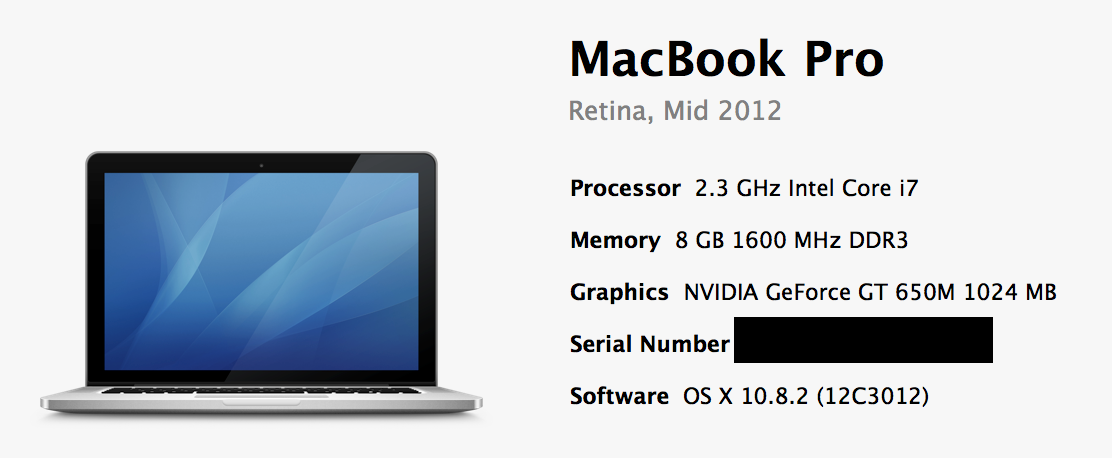
When I click “Play”, a white window comes up and changes the contrast of my screen, and the cursor changes to the GW2 cursor in that window, but nothing displays in the window. This all stays stagnant while GW2 uses 180% CPU and about 1.4gigs of RAM.
same problem here
Attachments:
I have been with these guys for a couple months and the constant activity, helpful attitude, and WvW success has been awesome! Get in on this amazing community while you still can!