Showing Posts For Vielfurz.1439:
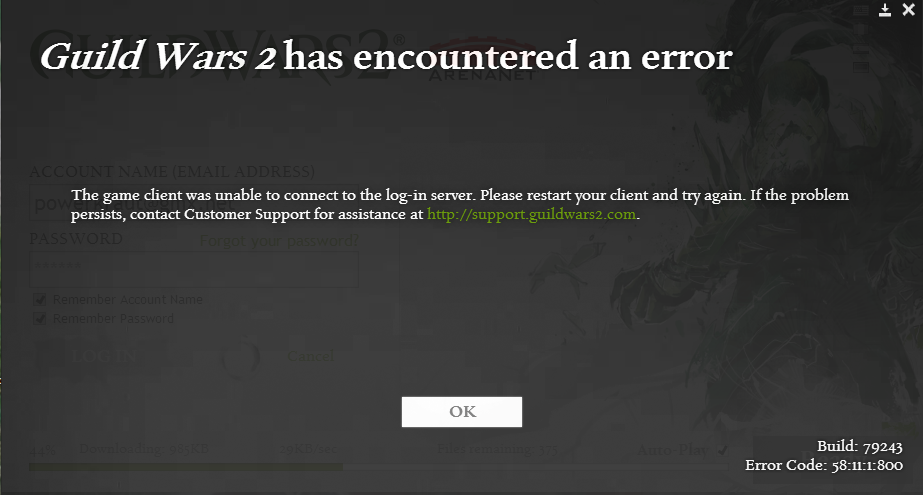
We’re aware of the issue and are looking into it.
I’ll update here as I get them.Temp Workaround:
(This will not work for everyone)As a temporary bypass add -assetsrv 64.25.41.2 to your Gw2 Shortcut in the Target Section (you will want to clear this out at a later date)
64.25.41.3, 64.25.41.4 may also work
Thank you !
Works for me. Might be hard for some to figure it out so I will give a brief “how to” :
- copy this from here: -assetsrv 64.25.41.2
- go to your GW2 folder
-find your GW2.exe (or GW2 -64. exe)
- make a link from the *.exe to your desktop
- go to your desktop, find the link and open its properties
- paste the -assetsrv 64.25.41.2 behind the exe
- looks like this: “C:\Program Files\Guild Wars 2\Gw2-64.exe” -assetsrv 64.25.41.4
Now start the game from that link on your desktop. Enjoy )