Showing Posts For Meili Var.4179:
I was able to get TP to see I wanted to sell 32 ecto, it then came up with an error message about the sale, and the ecto went from my inventory. It does not display in the Selling view. Pressed print screen, that did not work in GW so had to copy it into paint. Advised people in LA, they said that it will show up later in the TP properly, others said, does not matter about screen shots, they can be faked so screenshots will be ignored.
So don’t use TP until fixed, this may cost a great deal. Am on Seafarers. Despite logging out completely and waiting for about 30 minutes or so, TP not updating.
A friend told me when they got their world completion, they were actually able to sell them (that was done accidently ofc) and they quickly bought them back.
(Extremely strange, considering the rewards say they are account bound on my account.)
e-Mail from "ArenaNet?" Please read! [merged]
in Account & Technical Support
Posted by: Meili Var.4179
Got the same email as above, copied some of it here:
Guild Wars Account Will Be Shut Down Inform
“We are sorry to inform you that your login account will be shut down or partially limited within 72 hours due to currency transactions or abnormal login. If you want to remove restrictions, please click the following link to validate::
___________________________________
They failed to give themselves credibility based on the reasons they specify my account would be adversely affected:
1. no one but me knows my account logon
2. I never have that much gold or whatever, to raise an eyebrow.
(edited by Meili Var.4179)
Have this issue with very loud, popping noises, only while playing Gw2. It is like an explosion. I have the sound in game turned off and can still hear it coming through my headset when it happens, which is not on my head. Does not matter which headset I use, or which type of headset either.
The notebook I use was built for gaming and sits on a gaming cooling pad to keep the temperature low and even.
There was an update today, I did all of my dailies in Southsun, got only 1 credit for a southsun event and hoped this would be fixed. This is not fixed as no events in Southsun after that were added to my southsun supporter. (yes, I did click the relevan npc). In addition, my reward for the dailies was a medium guild influence in Southsun, which I clicked while in Southsun, and the influence amount did not change.
Same problem and it is intermittent, sometimes no communications work, sometimes part of them do, party formation is ridiculously impossible.. This problem became really became bad when Southsun started again. Got to the point today where I tried to logon and it said I did not have permissions. I notice this trouble will be a harsh one when I try to access the TP and it says invalid authorisation. After that, sometimes I cannot log back onto the game for a varying degrees of time.
Progress does not update on Settlers achievement track. I spoke to the correct npc to get the buff to update this title so that it should have progressed. That did not help despite a lot of event completed. Lag was horrendous (gandara server) and eventually experienced a fatal crash.
This can still be solo’s as mentioned above, without drama, using stealth consumable.
There is no other way to do it now as the champ is OP. Consumable use is probably the devs way of drawing attention to the fact that other strategies can be used rather than skills. No harm in that, it’s another flavour to the game.
Having done this on several other chars, it was a shock to find it so much harsher now with the champ pouncing and killing so fast.
I had to do it on the ranger, and set my pet to avoid attack and sneaked in from behind the commune, picking the foe off one by one. Then up to the top, killing them on rocks one by one. The pet did not draw aggro because of this. Then I used the stealth consumable and was able to commune.
This was easy only because of the sparks, if there had been undead, it would have been slower and harsher. The environmental effects are always nasty but when that is around, I will pull the foe toward me out of that effect to kill faster.
Good luck!
Thanks Jack <3 Looking great hun
“Hook up a known working PSU and using a non-magnetic screwdriver, rub it over the case hookups on the MB itself. If it squeals, the board is good. If nothing happens your board is dead.”
Uhhhh…what?
The normal way is to shake a package of frozen chicken over the motherboard and listen for the ID ten T error sound.
The person you quoted gave sound advice, it is done to ensure that static does not damage components.
When repairing hardware, ensure an anti-static process is used and wiki that info if desired (tho I don’t use an ant-static mat to work on.)
I have a few accounts, some characters in different locations could log on others could not. That was typical for all accounts. I could get some chars that were located already in the main cities and to WvW on all accounts.
All chars that got this error and were dcd saying I had a connectivity issue, were located in Southsun and although I got one into Southsun once, I was kicked with the same error very swiftly.
All accounts had the same message after logging in properly, that there was an issue with the newsfeed.
I could not logon to the forums nor support, although I could log onto the main page and the wiki. The IE browser page said I had a connectivity issue on those GW pages.
This problem always happens after an update from GW.
All accounts are on the Gandara world.
This would be easy to replicate using a client side system, perhaps a few volunteers to have them observe this pattern, using logmein.com software with the game not in full screen ofc. I would be fine to volunteer for that so the client issue is observed in real time.
Ah, and I thought I was getting timed out because of some lag being in Australia, just over an hour ago.
That, or the God of Storms , had decided to seek some sacrifice from me and the rest of this nation -
She is killing more so she is getting more drops, which is good her playing is improving.
My opinion, don’t worry about it, it’s her life and you are not her parent.
If you do continue to worry about it, then submit a ticket, it is a fair question as you really are a caring person and you want to protect both of you by being honest about this.
How is the electrical interference there? Are you on wireless (as moving reflective objects can rupt the signal) and how many sources of interruptions are there in general – how heavy is the use on your line/cable?
I get that message when the weather is bad, it floods here a lot etc, and when the line is being heavily used by another person.
Hope it works out well and quickly for you.
Do you all ensure that capitals are used correctly in the name?
I would only get that error if I did not type the capitals as required.
Technical support is a helpful place for people to give advice in general terms, not just hardware, software, but their own experiences in how things work.
Hope this gets sorted for you all.
Being an Aussie as well, I feel your pain.
Having said that, I have repaired mine constantly without needing to re-download the lot. Some of the the problem are with the ISP being interrupted by a heavy usage on your line or cable and it can also be the operating system not allowing access at times to Gw2 downloads.
GW2 tries to identify these problems constantly going by the feedback they get about customer issues so the more information you provide in a ticket the more they can help you.
I do my own research and manage to fix issues before having to submit a ticket. These are some solutions:
If you cannot connect, try another language to logon with. That will download a massive lot of files, but at the end, you can logon. There is another thread in the forum here about that.
If you get error messages that you cannot connect after a patch, investigate my solution if you like as that fixed it for me:
Sometimes also your network card gets messed up from so much going on that disabling it and re-enabling and clearing and refreshing DNS will help you get back in instantly.
Obviously, you do this of your own choice and I am not responsible for your decisions or outcomes. I wish you well and there are plenty of sites that show you how to look after your network card and DNS so they operate optimally.
It is ok, your characters are saved online so you can install another operating system and not have to worry about that.
Not aware of anything needed to be saved yet on the client pc at your end for GW2.
This week I removed windows 7 to install windows 8 and all characters were fine.
In guild wars one, I would save my templates files from the pc I had them saved on, so I could add them later after an operating system re-install or a guild wars 1 re-install. Reason being, there were so many builds I had made and saved.
Hope your new systems works better for you
History explained as the connection problem with my ISP earlier caused the GW2 download problem later with the patch:
Recently installed windows 8 pro on notebook.
Could not access GW2 as had a problem with the connectivity which was caused by myself, the user. Fixed that by disabling the re-enabling the network interface card and fixing the DNS settings.
While that allowed me to logon ok, the next problem occurred with a patch that told me either the GW2.dat was in use by another process or not accessible made me hunt for a solution.
Permissions:
First, I checked permissions as really – checking if a process is in use and by what is a hit and miss affair in task manager.
I confirmed correct permissions where in the Program Files x86 GW2 folder: Trusted Installer and All Application Packages had full control.
I confirmed that Kasperky 2013 considered GW2 trusted and gave additional non-surveillance to its network activity.
GW2.dat file:
I copied the gw2.dat file and renamed the gw2.dat file to gw2.dat.old when the copy was made.
The GW – copy.dat could not be renamed, that gave an error about “com surrogate” was in use, which is possibly the reason why GW2 had issues with not being able to update the GW2.dat file in the first place.
I looked at various causes, like DEP and graphics drivers causing the problem and ignored those solutions, drivers change too much to want to go down that track.
The Windows 7 solution I found most feasable and it should fix the the ability of GW2 to download the patch because when I did it in Windows 8 it was a success.
Copied with gratitude from:
http://www.sevenforums.com/general-discussion/136140-com-surrogate-windows-7-64bit.html
Click Start.
In the Search Box type CMD
Right click on the Command Prompt icon.
Click Run as Administrator.
In the Command Prompt black window type: regsvr32 windir/System32/vbscript.dll and hit Enter.
The system will return with the following message: DLL Register Server in C:\Windows\System32/vbscript.dll has been successful.
Now click Start.
Click Computer on the right.
Click Folder and Search.
Click the View tab.
Tick Always show icons never thumbnails.
See if this solves the problem.
Regards….Mike Connor
My Windows 8 solution:
While this solution was written for Windows 7, I worked it out for Windows 8 by going into settings (access that by using mouse in far bottom right corner) , control panel, all objects in control panel, folder options to check the view options as per my quote.
Then I used the mouse again in the far bottom right to pull up the search options to use Search. In applications I typed RUN and thus had the command line.
I am already an administrator anyway, so did not have to use “run as” to become one. I typed the line:
regsvr32 windir/System32/vbscript.dll
This told me I was successful.
Gw2 now works fine, I clicked on the GW2.exe and the patch completed.
Good Luck to everyone else, hope this helps.
There is no shame in not knowing what a process is, or what dependencies are required to have it function properly. Especially when so many would not play with a gaming profile, they could have a LOT of processes taking ages to google.
Checked your drive is healthy and with free space? Hope it works out for you without hassle…
@ those that are not showing respect for the work being put into fix this:
The key is patience, this is a big beautiful game so enjoy the other aspects of it other than achievement aspect, in the spirit of playfulness.
Yes, l lost a lot of achievements as well but so what – I can wait for a fix. Why – because GW2 is a game, not RL.
Beating up people for doing their job is harsh, they are employees doing their best and were hired because they were smart enough to do the job. Everyone makes mistakes and mistakes are necessary to learn from to improve anything real or pixel.
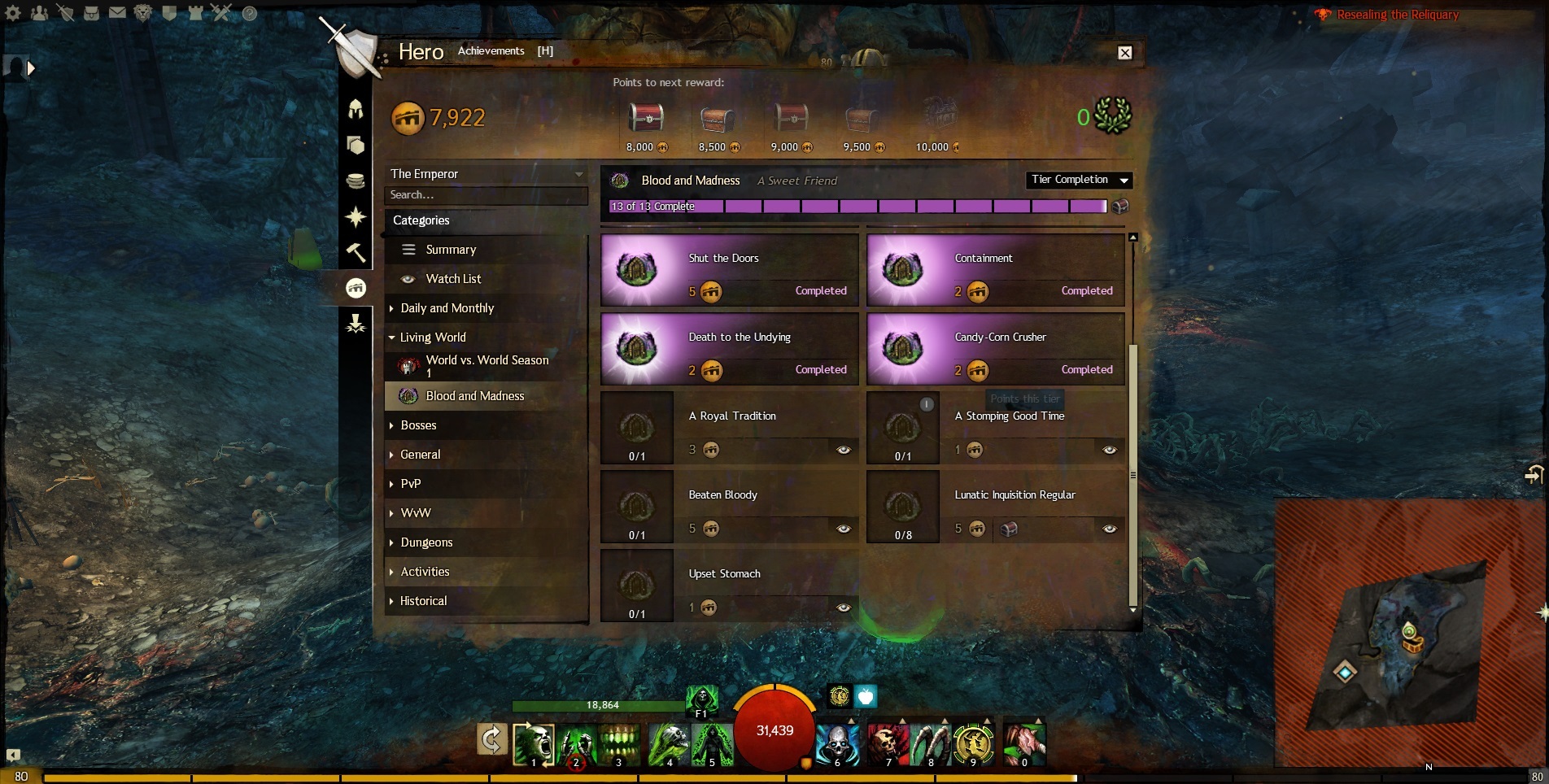
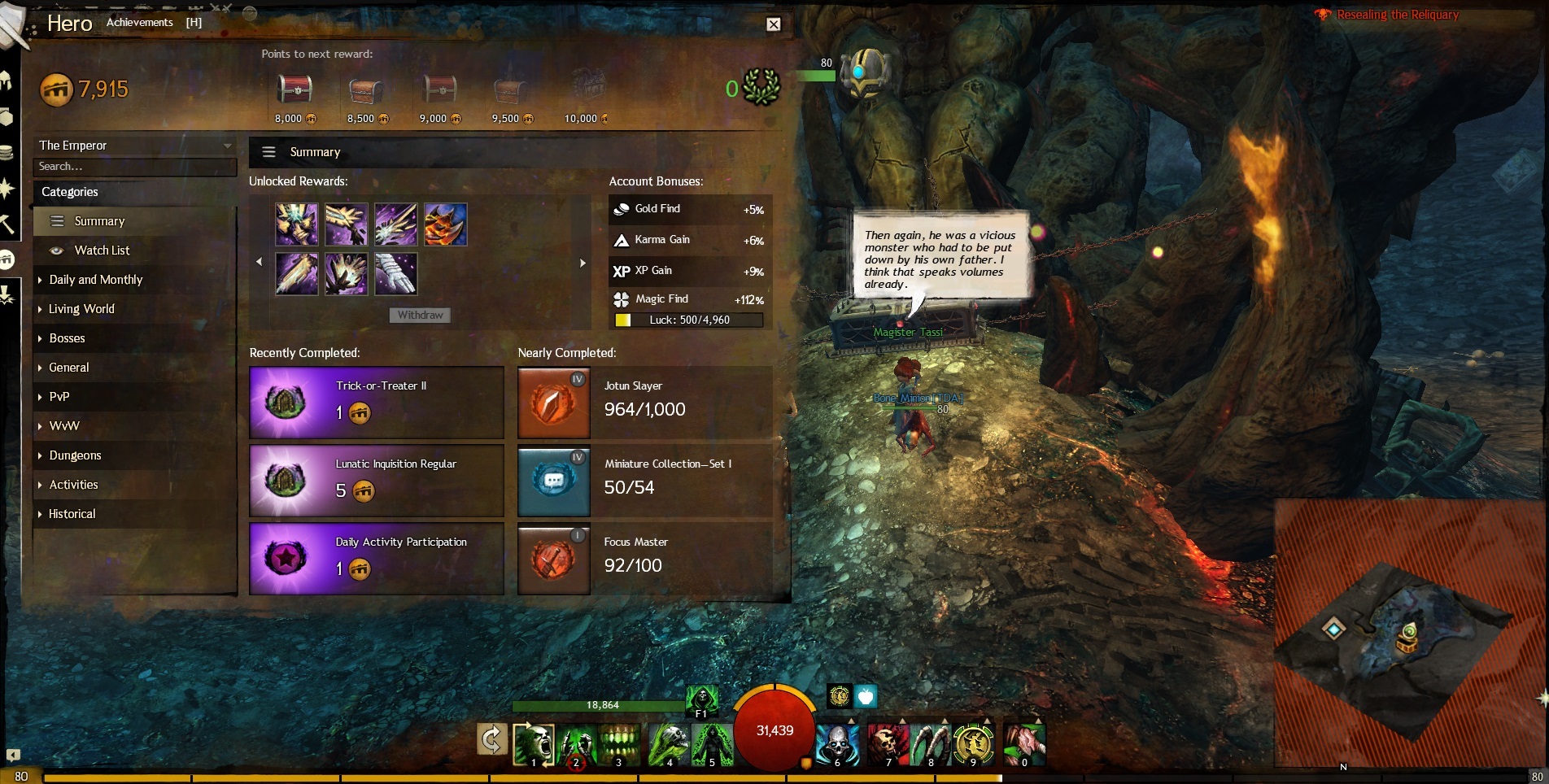
On 3836 points now, don’t know what it was before, never paid regular attention as was just playing the game.
Master of overkill was fun to do when completed and shows now on 299,999 damage on one hit.
Other titles are just that 1 off the completed number, eg:
All you can eat now shows as 799 and Staffmaster is 4,999
Survivor, teamwork gets it done and no one left behind was easy and still shows as completed.
Still have a lot of puzzles completed, so they look safe.
Many titles under Slayer are just 1 point off now.
cold winter friend i had completed and never bothered before to make a report saying it then shows it as not completed. (that was because after submitting a report for toyappocalypse, i gave up because toyappolcapse took so insanely long i was exhausted and no longer wanted to repeat it).
Pumpkin carving has totally gone to nil, tho actually that was not completed, had a tier left to finish and was too lazy.
Only found this thread as was just amazed the gold hoarder title is just stuck on 651, 413 for weeks now, was really wondering how this progressed in the display. I go slowly in this title and only just realised it was possibly stuck as have been making a huge dull effort to go and find and farm the ori nodes so the focus was on gold for a change.. thought maybe it only moved the progress bar up after after timed intervals, not actually when gold went in.
Thanks for looking into this for people.
It is always the person with empathy everyone wants to contact.
It could be suggested that the staff there learn some of your empathic skills.
All organisations can benefit from that so this is not a personal attack.
Call it “empathy and resolution training” with staff having rostered hours set aside as one of their monthly activities. They could be reviewed by their peers in a group exercise and also have formal written tests.
That way the one or few persons that shine in their job because of empathy and attention to detail, do not get work fatigue. They get the support of their peers and the respect of the customers increases to include the whole team as a relevant point of contact.
Measuring performance stats for call and email is only an indication of how staff perform and so easy to exploit one way or another.
Quality caring and attention to detail gets the job done with out having to have repeat follow up and is so much more economical in the mid to long term.
Thank you Gaile for the support you provided me when I had an account in GW1 as Tempest Thyme and I am glad to see you in this role doing a great job for GW2.
Close the client completely and then start guild wars again, logging in on this fresh start often clears that message.
If it says GW2 is already running and cannot start, you have a process in task manager still holding it captive. (That is, if you use a windows operating system). Stopping the gw2 process will free it. Be sure to read and understand how to manage processes tho, using research engines as that is important to not crash your system by closing the wrong thing.
Simple solution is often to just restart the pc.
About GW saying it is already running even tho it appears to not be as it crashed or whatever and you cannot see it.
It is extremely common for the Windows processes to hold onto a process longer than what is desirable for many applications so that the same application cannot be re-launched. Windows task manager will fix it in seconds, just control alt delete to get to task manager, go to processes, sort the processes in alphabetical order by clicking the top list and you see the process running. Right click the needed process like guildwars or firefox and force it to stop. Be insanely careful to not click the wrong process as some are vital for running the computer.
Do you have two operating systems installed now?
If so the first operating system would have registry entries still in existence possibly affecting GW
Was the install of windows 8 pro an upgrade or a completely new install using the same hard drive?
Is the operating system and GW install on the same hard drive when it fails?
Anyway, I suspect the registry has records as you state you have full admin rights.
Hope it works out well for you fast.