Showing Posts For Tick Tock.9602:
1 2
Running GW2 in Ultra Settings with this setup
in Account & Technical Support
Posted by: Tick Tock.9602
Not going to happen. I have a desktop with an i7 6700k, GTX 1080 with 16GB of 2400 and the game on a good SSD and I still get dips below 60fps in places on Ultra settings. Granted I’m running it at 1440p but in certain areas there are just going to be dips.
^^^This. I have your exact specs other than I have 16GB of RAM. I’m able to play Medium settings, Native at 30FPS, it dips to low 20s sometimes but it’s playable. if you want close to 30 constant turn off shadows and FXAA. What Ky suggested should help you out.
No worries, Ky! I remember you trying to help me and another guy the other day but my issue cleared up, sadly it’s back again. What’s weird I don’t see any data that is an indicator of problem.
Just to assist, I drop both wired and wireless. The mac firewall is on but the application is allowed. Makes it that much more bizarre…
I’ve had this same thing happen to me twice tonight during fractals. Died both times because of it. I remember Ky and Foxx trying to help but it had went away for me so I just went on my way. It seems to be happening again. Thoughts? I checked my connection via ping (low level I know) to google.com during the DC and didn’t drop any packets. Odd.
Anyone else run into this?
Macbook Pro 13" 2011 performance - Mac Client
in Account & Technical Support
Posted by: Tick Tock.9602
you use the same settings as mine.
but if you have the chance to see how the game run in a proper modern pc which cost way less than a mac, you can be shocked!
that is my only gripe with mac, you pay that much money for a crunched apple on the back of your laptop, but you are meant to use it only to play with facebook
Most of us buy Macs for other reasons, Audio/Video, Dev work, etc. It’s just a perk that they play games. Yes a PC is cheaper but a PC doesn’t do what I need so it is useless to me.
I am very grateful that there is a Mac Client. Honestly if the Mac client drops I will probably drop the game. I’m not interested in installing Windows to play a game. Again, very happy to have a Mac client (would love a native one) and our new support for it!
^— That almost sounds like they could be working on a native version though, and that the Cider port is just there as a temporary means for mac players to access GW2?
I can’t see there being a logical reason to not have support staff for a beta cider port if the actual release is also a cider port – there would be barely any difference between the two and thus no reason to not have support staff now…
That would require that GW2 make both DirectX and OpenGL calls right? Wonder if there is any evidence buried that supports this. It would be great if a native client comes out of this.
This happens to me too sometimes not sure why.
Yes, the newer ones will run it at a decent resolution with mostly low settings it looks like.
If you know someone with a Windows box you could have them create a shortcut for you and drop it in the folder where the .exe is on the Mac. Absolutely no promises that it will actually run with that flag set though but it’s a thought.
FYI, if you have to do anything to your phone that requires a reimage or default settings make sure you UNLINK the authenticator from your account before doing so.
The Gem issue is fixed, I bought some just the other night.
Macbook Pro 13" 2011 performance - Mac Client
in Account & Technical Support
Posted by: Tick Tock.9602
Nicely done! Hopefully this thread will help other people with like hardware.
Amen! Very happy that this is fixed! Random text to be able to post this.
Foxx, you missed the point I was making. It had nothing to do with the application but rather that going to 8GB of RAM would increase the amount of VRAM for the Intel Integraded Video Card because it shares its VRAM with RAM.
My bad.
No worries man, I’ve seen your posts you’re a huge help here!
Foxx, you missed the point I was making. It had nothing to do with the application but rather that going to 8GB of RAM would increase the amount of VRAM for the Intel Integraded Video Card because it shares its VRAM with RAM.
While I would love a native Mac version the performance hit is realitivly minor after the recent update. So much so that I removed Bootcamp and solely run the OS X version now.
Thank you; that was my suspicion but I thought I would ask to see from people that probably know more than I do.
I did test and purposely set the SMAA so high that the image should have been greatly blurred and then tested the Sharpening option as well. I think it’s safe to say that in the translation from Cider to OS X that is not being taken into consideration. Bummer because it makes the game look beautiful. Obviously though this would work under Bootcamp but I like running the game in OS X so much better!
You can upgrade to 8GB RAM and that will increased the VRAM to 512 on the Intel 3000. Pretty sure the 4000 runs 512 regardless but if not someone please correct me.
lazer beam is there , but game is much smoother than before , i wish they will keep on updating it .. i need to delete bootcamp
I recently deleted Bootcamp. The performance was close enough (~5fps) that I would just rather run it in OS X (10.8.5 right now). Granted I can’t run FXAA, High Textures or High-Res Characters but the tradeoff of not having bootcamp is worth it to me. Just a FWIW/FYI/SA kind of thing.
The OSX client does let you use FXAA though…. O_o
I had to login to verify but FXAA can be selected for me under Anti-Aliasing. Is there a reason you cannot access it? It does indeed “Blur” the jaggies out when turned on so I don’t think it’s just a placebo for me.
Agreed, the changes are very welcomed!
I did a quick search and was surprised that I did not find a topic on SweetFX in the Mac Forum. I found one in the other forums but didn’t want to deal with the Mac hate.
The question is; since Guild Wars 2 for Mac is a Cider port and there is indeed a “C:\” in the App image and a GW2 folder if you installed a FXAA injector (SweetFX) would it work?
http://imgur.com/a/eLJEd#5 <— Here are some examples someone in the forums here linked.
Thoughts?
I have not noticed this yet but I will keep an eye out and see if I notice the same thing.
(MBP 17" Late 2011)
lazer beam is there , but game is much smoother than before , i wish they will keep on updating it .. i need to delete bootcamp
I recently deleted Bootcamp. The performance was close enough (~5fps) that I would just rather run it in OS X (10.8.5 right now). Granted I can’t run FXAA, High Textures or High-Res Characters but the tradeoff of not having bootcamp is worth it to me. Just a FWIW/FYI/SA kind of thing.
I would by lying if I said I haven’t thought of selling my 17" MBP for a maxed out 13" MBA.
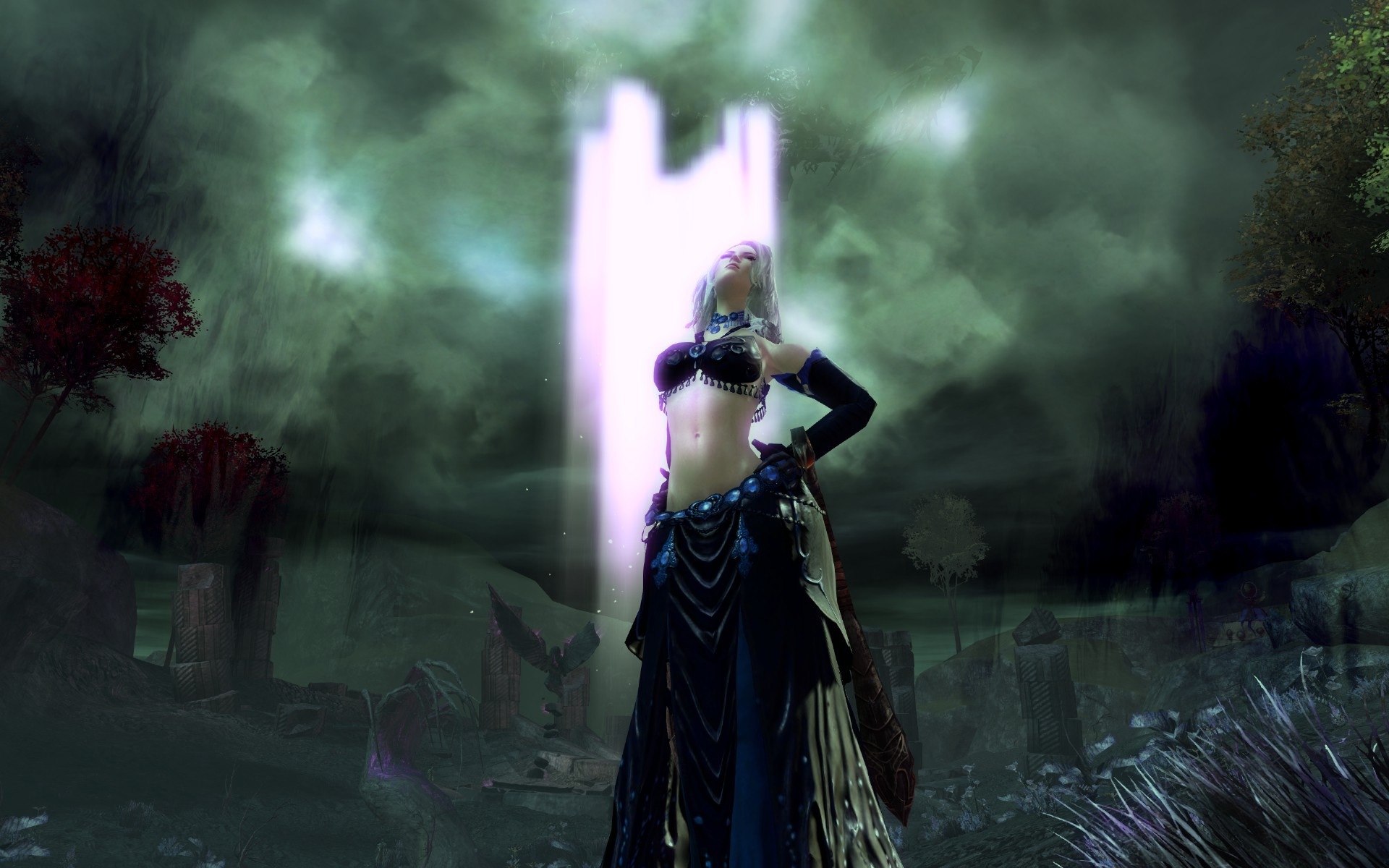
My Necromancer. Dragon? What dragon!? 
Attachments:
So what do you suggest? Contacting Transgaming?
I’ll tell you what I suggest… wait until ESO arrives. They’re giving us a native client. End of story.
Still waiting in line for the Beta and hoping there’s no monthly fee.
You can change it in the mac system prefs under keyboard.
This has been going on for a while, glad they’re finally getting to it.
Dramatic for me, meant I no longer had delays when moving around. Even in very crowded areas, I don’t have moments when the screen stops and then starts moving again. before I tweaked that, I had that happen quite often, even when the area was relatively open.
Agreed.
I merely replied with where you could get it, calm down Chief. I don’t know if you have X11 installed or not.
You can get it here if you like:
I have experienced this, I just move the gamma slider and set it back to where it was. Annoying but not the end of the world.
I don’t want to be the bearer of the bad news but since I’m a software developer who writes applications for Mac OS X I do feel that it is necessary to shed some light onto this topic because there seems to be some confusion here.
If we’re confused how are we seeing better performance?
I noticed something odd which I don’t really think is a fix at all but it’s definitely interesting. So normally I run a program called DNSCrypt which is just like it sounds Encrypted DNS. I always run this program (I’m a Security Analyst by profession) but tonight I decided to turn it off after getting disconnected once. I played solid all night using unencrypted DNS from my ISP. Like I said, not the fix and probably not related but odd and interesting.
While we wait try this for better performance:
[x11drv]
"AllocSystemColors" = "100"
"CopyDefaultColors" = "0"
"PrivateColorMap" = "N"
"PerfectGraphics" = "N"
"Managed" = "Y"
"Desktop" = "No"
"UseDGA" = "N"
"UseXShm" = "Y"
"DXGrab" = "Y"
"UseXVidMode" = "Y"
"UseXRandR" = "N"
"DesktopDoubleBuffered" = "Y"
"TextCP" = "0"
"VideoRam" = "1024"
"AGPVertexRam" = "512"
Enjoy more fps and boost gfx Probably you need to do it/check every patch.
Trying this, wonder if it works…
Huh, I wonder if that is the common thread. I have a Netgear though…
I just got the same error a few hours ago. Oddly enough I decided to boot over to Bootcamp and run the game there (I keep the game updated on both sides) and the game ran fine with no issues. So I’m not exactly sure what the deal is with the Mac client. To make matters stranger I just logged into the Mac client with no issues.
I recently upgraded to 16gb (really only needed 8gb, but got a good offer) and I can’t say that the bump to 512mb VRAM has made any noticeable change in performance

Did you tweak the config file as indicated in the thread posted above?
The unibodys get hot when under a load. Download SMC Fan Control and it will help, also play on a hard flat surface and/or get a laptop cooling pad.
dang, i need to clarify, what is Vram? I’ve got 16 gigs of ram on this mac. but i don’t know if that’s the same
VRAM is dedicated Video RAM, the 16GB you have installed is System Memory and is not the same unless you use the Intel Integrated Video and then it “Shares” 384MB or 512MB of the System RAM.
There should be a boost in performance, you can go into the config file and tweak it for the newly available VRAM.
Thanks Naqaj, that solved my problem. I will keep this in mind as I am about to upgrade my RAM from 4 to 8GB and read on the forum that this should also give me a higher VRAM. Is that the case?
If you use the Intel Integrated Graphics then yes, it will go from 384MB to 512MB.
And this one?
“AGPVertexRam” = “128”
I believe that should be half the amount of your VRAM, so if you have 1024 AGP should be set to 512.
I would love a native client (worked great for WoW) but for now I am thankful with the current client.
Not true, bumping from 4GB to 8GB will cause the Intel video chip to boost from 384MB of shared VRAM to 512MB of shared VRAM and though this may not directly affect GW2 as he probably has a dedicated video card as well it WILL increase graphics speed.
I didn’t even know there were mods for GW2. I have been happy with the interface.
Turn off the Mac Beta checkboxes in the settings for the mouse.
For the video issue there is a thread here that has some config file tweaks that would help.
1 2